A machine is taken? Alt
Tap Alt beside any exercise in a workout. Gymaroo lists up to five exercises that work the same main muscle, spread over different equipment. Pick one, and it takes the exercise's place for this workout only. Your plan keeps the original. The replacement shows its own PREVIOUS sets, and its records count for it.
Don't know what a machine is called? Scan it
- In Exercises (or when adding an exercise), tap Scan.
- Take a photo of the machine.
- Gymaroo shows the three exercises it most likely is. Tap the right one.
Free accounts get 2 scans a day; Pro gets 20.
How many plates go on each side
In a workout, tap the KG cell of a barbell or Smith machine exercise, and the keypad has a plates key at the bottom right. It opens the plate calculator.
- It shows one side of the bar with the plates to load for the weight in the cell.
- − and + change the total; tap a plate to add a pair, or tap one on the bar to take it off.
- Choose the bar (20, 15 or 10 kg; 45 or 35 lb; no bar on a Smith machine).
- Edit plates turns off the plates your gym doesn't have.
- Use puts the total in the cell.
Warm-up sets
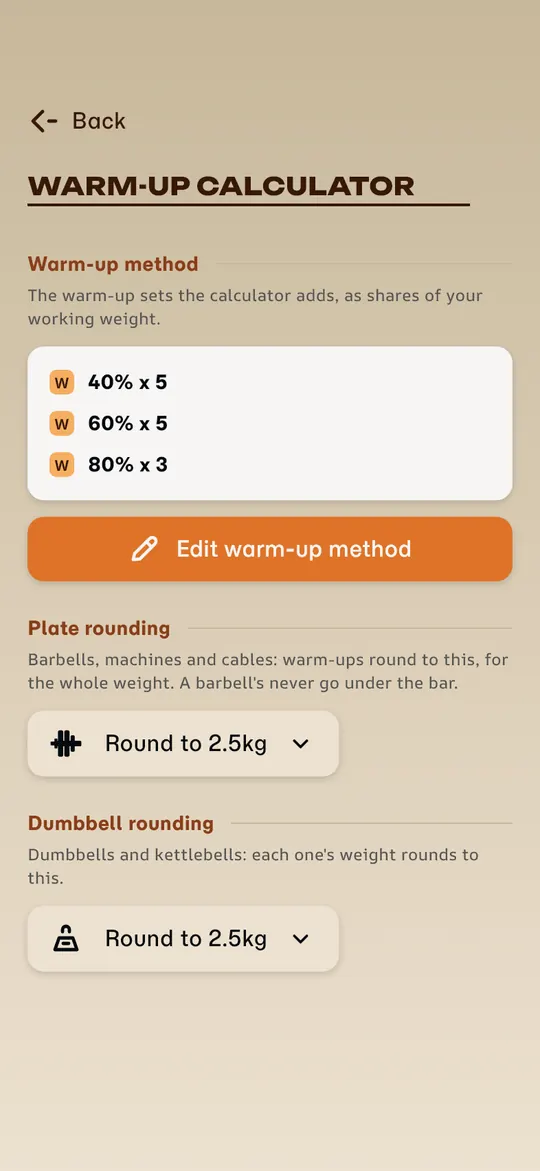
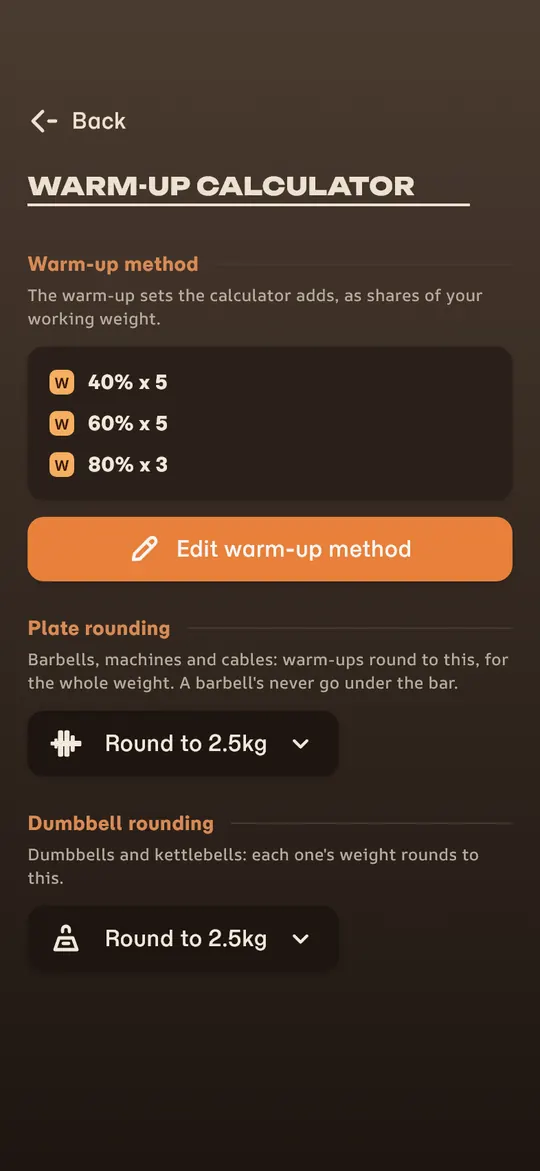
On an exercise's ⋮, tap Add warm-up sets. Type (or keep) your working weight and Gymaroo adds warm-up sets as shares of it, by default 40% × 5, 60% × 5 and 80% × 3, rounded to your plates. Change any set's share or reps with − and +, add or remove sets, then Add. Change the default method and the rounding in Settings › Workouts › Warm-up calculator.
Timers
- Rest. Starts when you tick a set. Set your usual rest in Settings › Workouts, or a different one per exercise on its page, under REST TIMER.
- Timed sets (planks, holds). Tap the ▶ in the row. When the time is up, the set ticks itself and the rest starts.
- Cardio with a distance. Start timer under the sets runs a countdown to the time typed, or a stopwatch.
Notes
- A note that sticks ("seat on 4", "grip one finger out"). On the exercise's page, under MY NOTES. It shows under the exercise's name in every workout.
- A note for today only. The exercise's ⋮ › Add note for this workout. Next time, it shows faintly as "Last time …".
- A note for the whole workout. The ⋮ by the workout's name › Add workout note.
Machines that add weight, and weights counted twice
Both are on an exercise's page.
- MACHINE WEIGHT. The weight a machine adds by itself (a leg press sled). It counts toward the weight you lifted, so you only type the plates.
- BOTH SIDES. For exercises you log per side (one dumbbell of a pair, the plates on each side of a machine), Count the weight twice counts it twice in the weight you lifted, past workouts included.
Your gyms
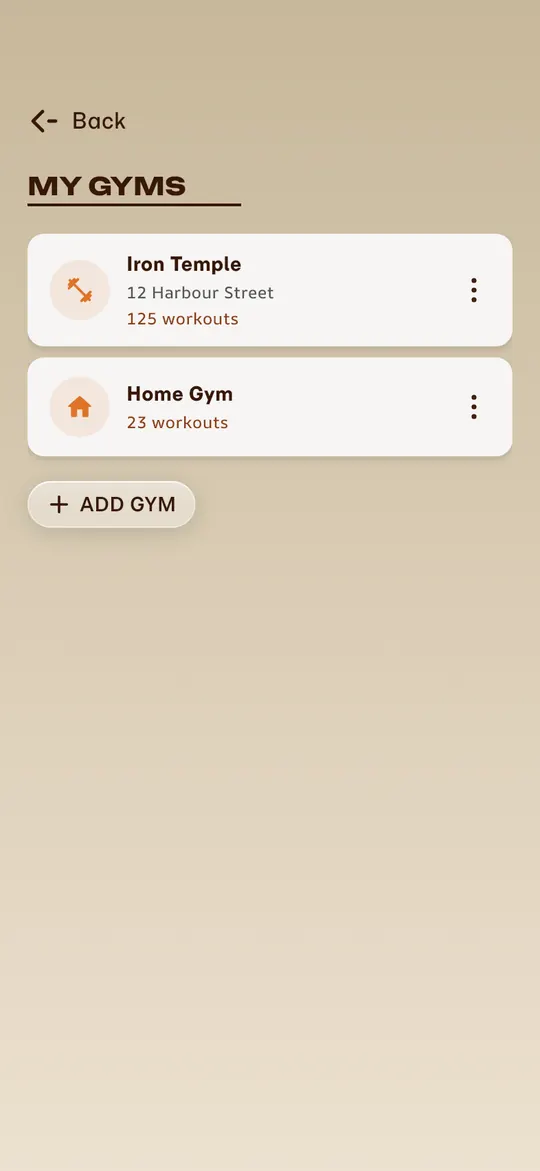
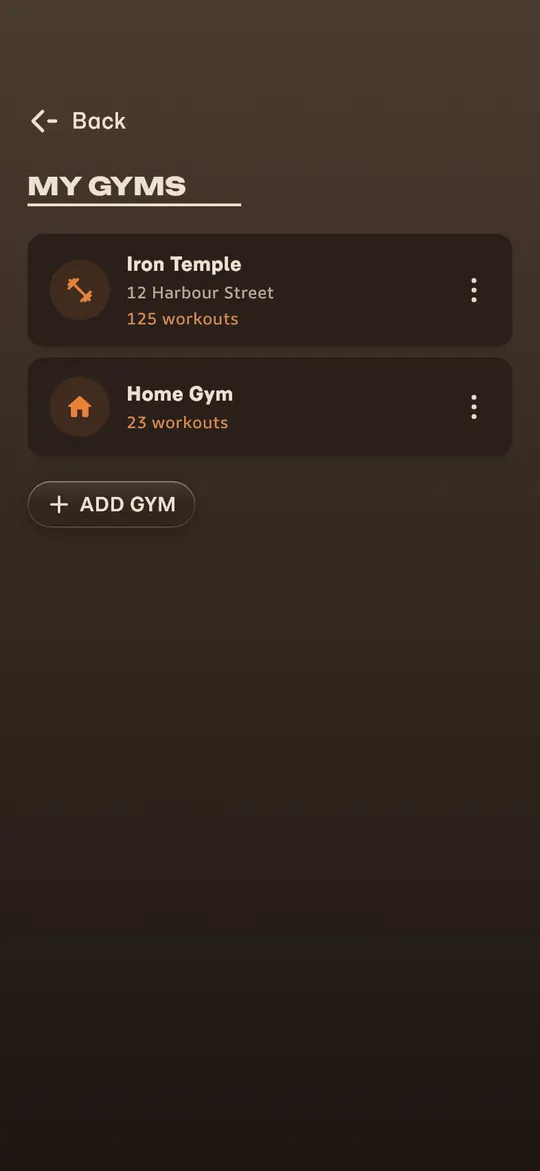
Gymaroo can remember where you train. On a workout's summary, tap the gym chip under the title (or Where did you train?) and pick a gym from your gyms, Home Gym, Outside, gyms near you (Find gyms near me), or type a name to add your own. New workouts start at the last gym you used. Manage them in Settings › Workouts › My gyms.