


The welcome
When. The first time you open the app.
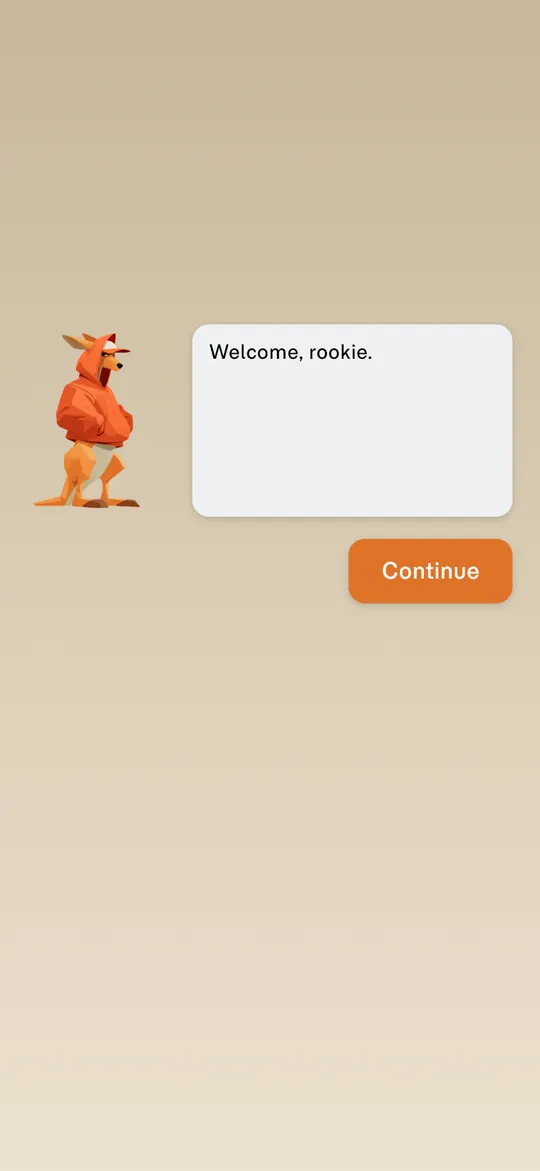
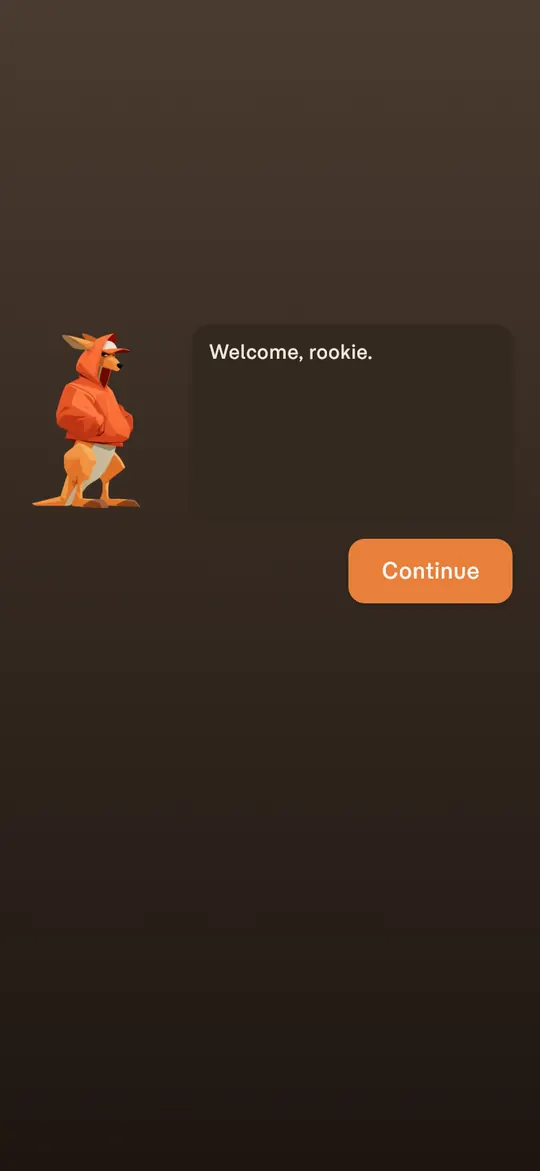
Gymaroo introduces himself, a line at a time; Continue goes on. Then two optional questions, your sex and your weight (with kg or lb), and Skip for now if you'd rather not say yet.
Sign up
How to get there. At the end of the welcome, or Sign up on the login screen.
Your email and a password, then a confirmation email with one button; or one tap with Google, or with Apple on iPhone. The terms of use and privacy policy are linked under the buttons.
Log in
How to get there. Open the app after signing out, or on a new phone.
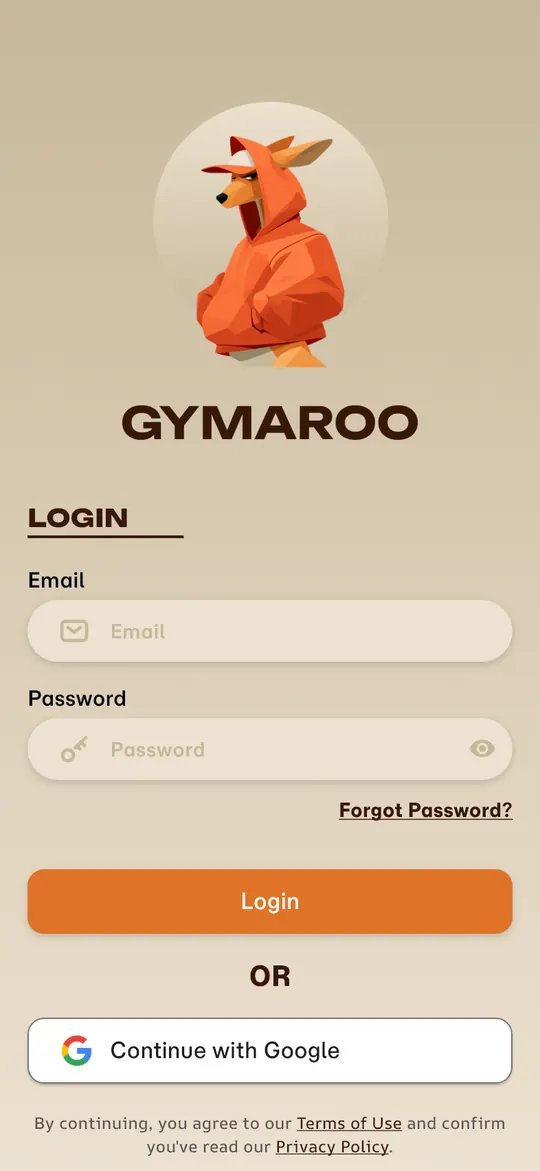
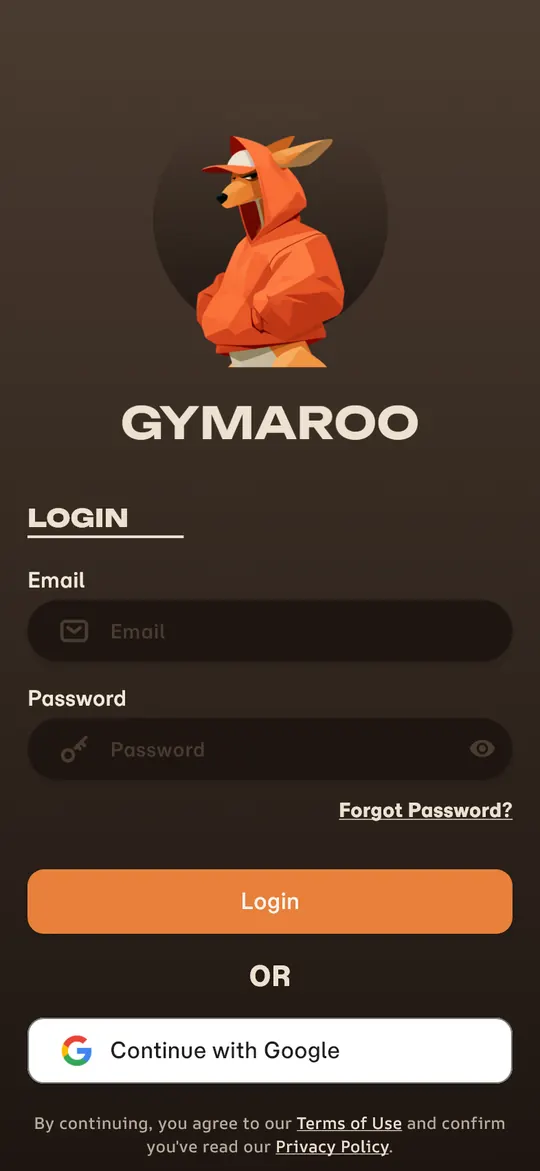
Your email and password and Login, or Google or Apple. Forgot Password? sends a link to choose a new password.