


Get the app
Gymaroo is on the App Store (iPhone and iPad) and Google Play (Android). It's free to download and to use.
The welcome
The first time you open it, Gymaroo introduces himself. Tap through his lines; it takes a few seconds.
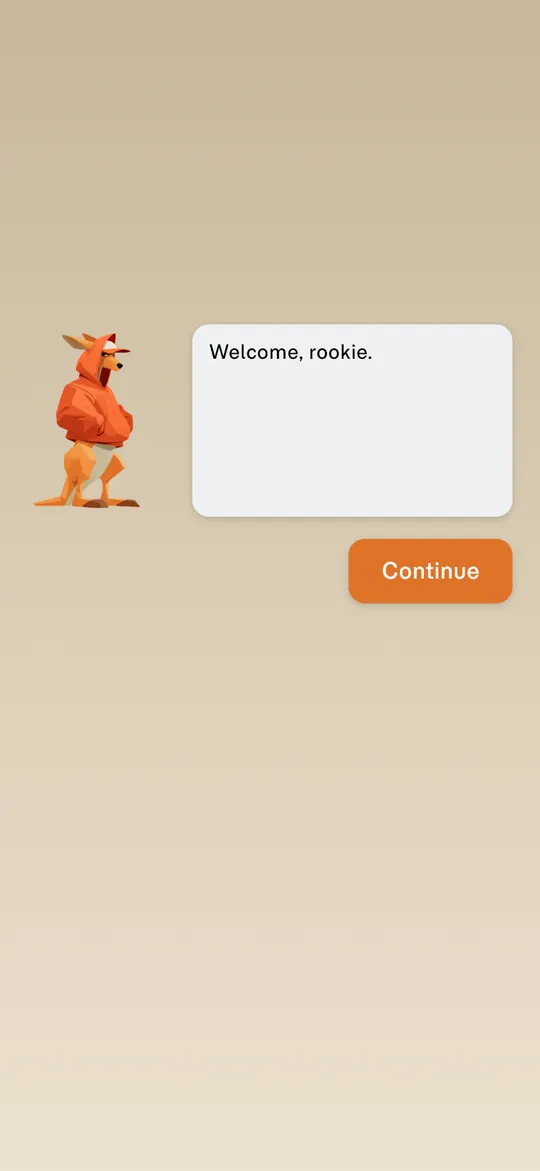
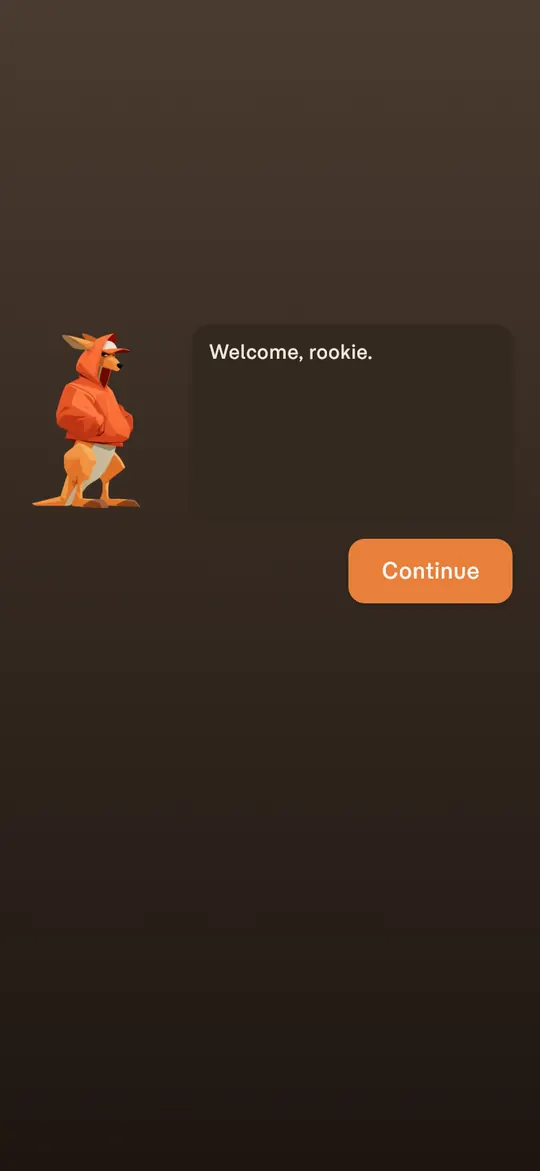
He then asks two questions, both optional.
- Your sex and your weight. They're used for your strength levels (how your lifts compare with people of your sex and weight) and to count what bodyweight exercises add to the weight you've lifted. The kg / lb buttons set the app's unit.
- Tap Skip for now to answer later. You can set both any time, the weight in Measurements, the sex on any exercise's strength card.
Create your account
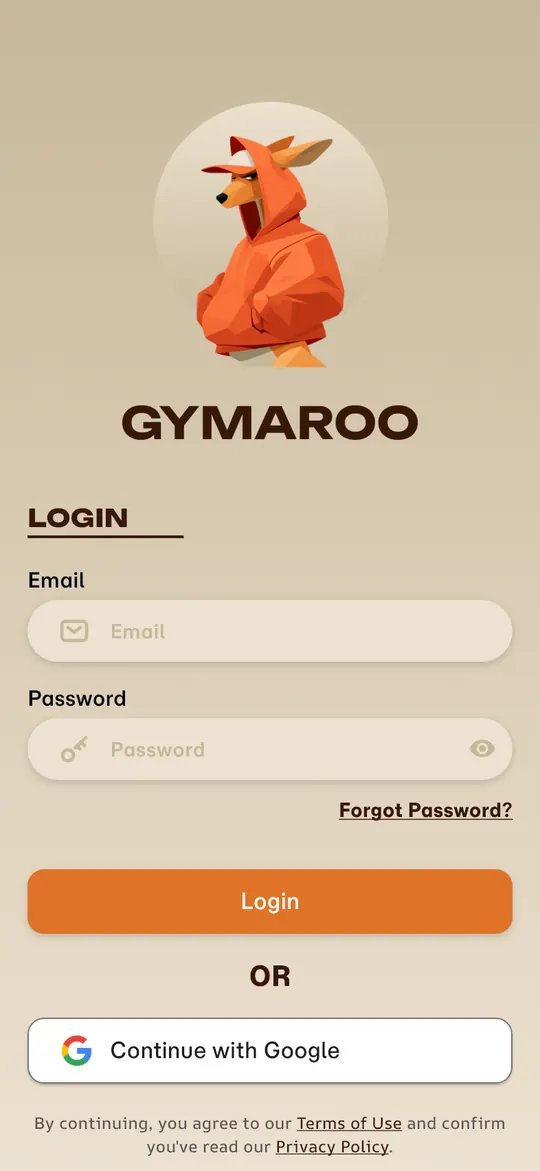
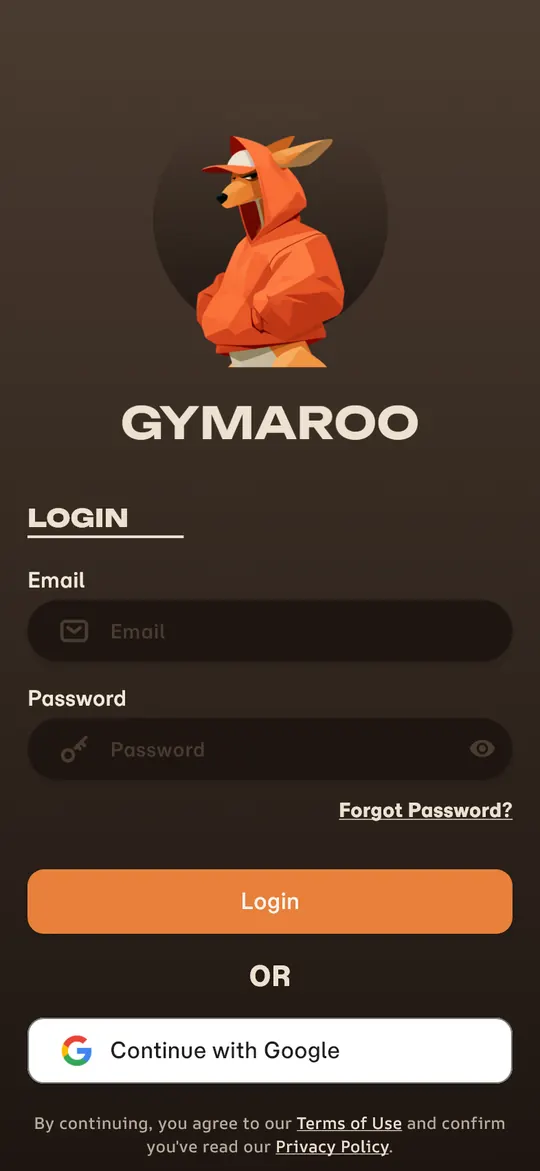
Every Gymaroo user has an account, so your workouts are safe if you lose or change your phone. There are three ways in.
- Email and password. You'll get an email with one button; tap it on your phone and you're in.
- Google. One tap with your Google account.
- Apple (on iPhone). One tap with your Apple ID.
Forgot your password?
On the login screen, tap Forgot Password?, type your email, and open the link we send you. It's valid for an hour, opens the app, and signs you in once you've chosen a new password.
Signing in on another phone
Just sign in with the same account. Your workouts, splits, saved workouts, records, measurements and settings that live on your account come with you. Progress photos stay on the phone that took them, unless you have the Pro backup on.