


How to get there. Tap Splits in the tab bar. Its title is CREATE, with two tabs under it, Splits and Workouts. The one you last looked at stays chosen.
The Splits tab
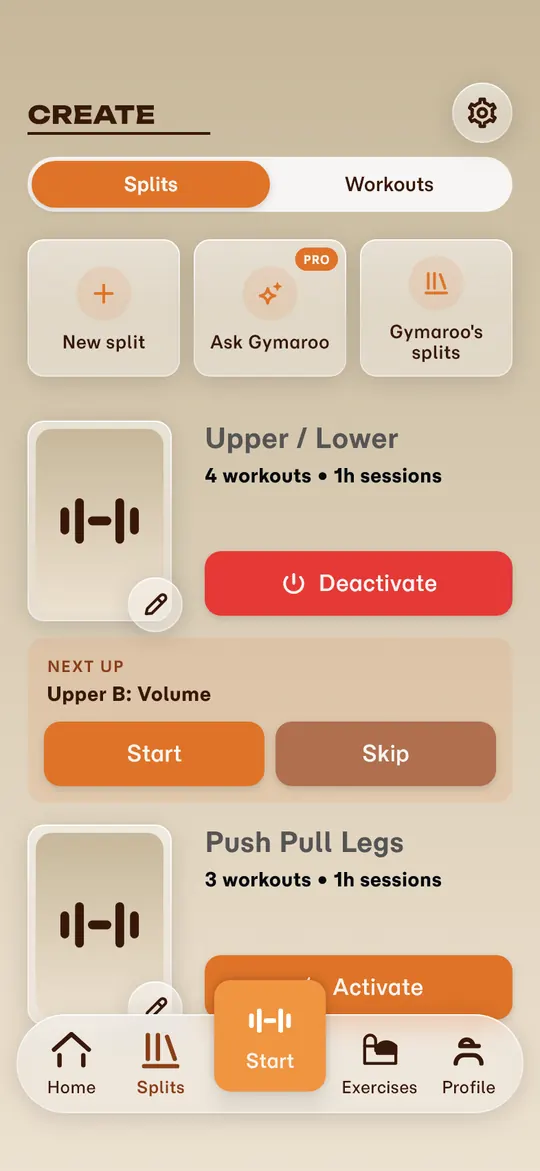
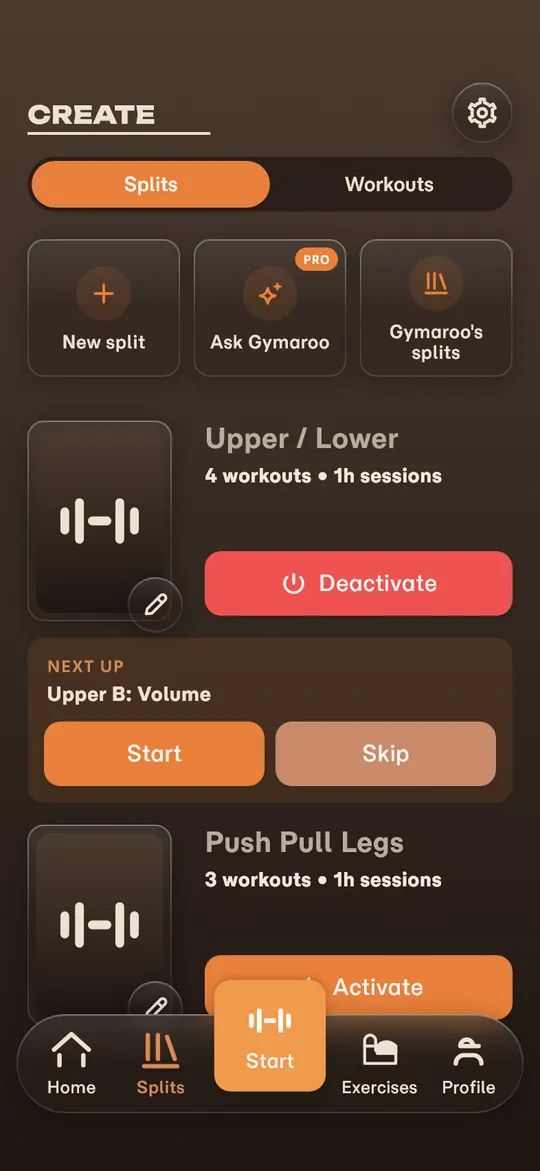
- Three tiles. New Split (opens the split editor on a new split), Ask Gymaroo PRO (a split built for you) and Gymaroo's splits (ready-made plans).
- MY SPLITS. Your splits, each a card with its cover, its name, its workouts and session length, and a button.
- Activate makes it your active split.
- On the active one, Deactivate in red, and a NEXT UP panel under it with Start and Skip.
- The pencil on the cover opens the split editor. Tap the card for the split's page.
- No splits yet? Gymaroo offers to build one.
The Workouts tab
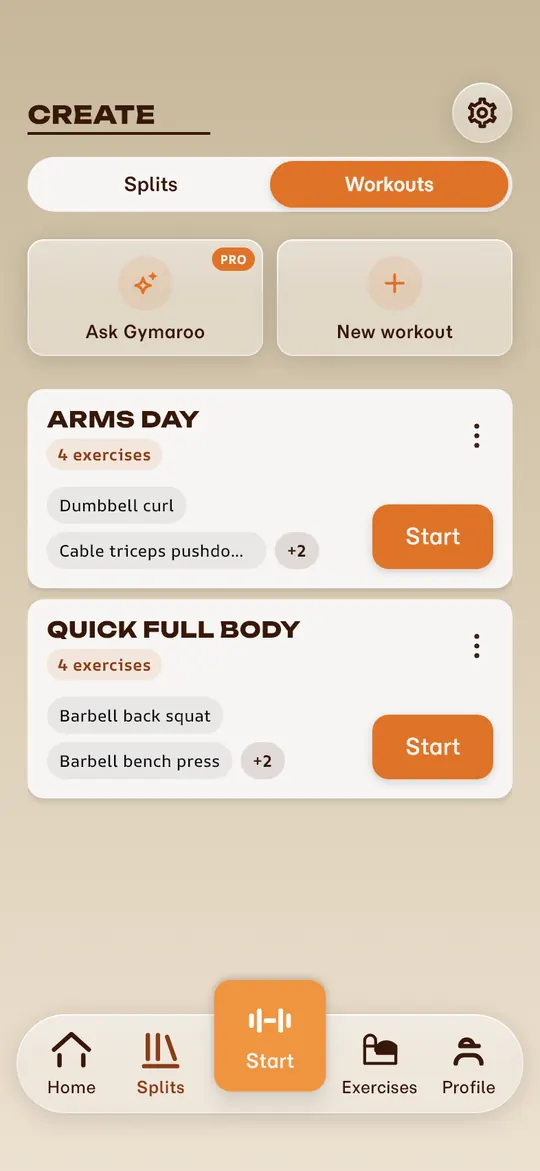
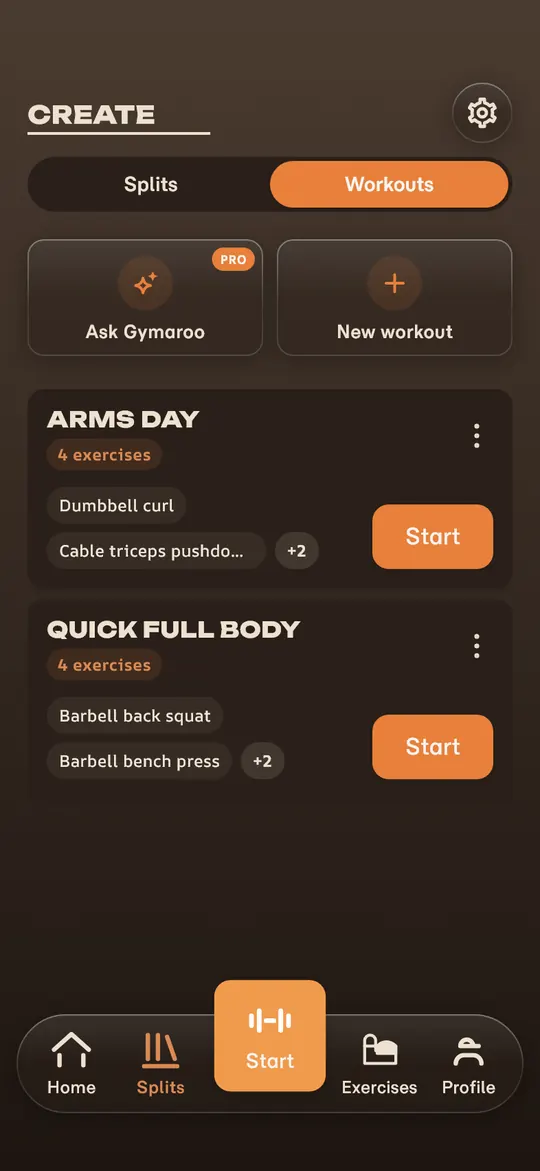
- Two tiles. Ask Gymaroo PRO (one workout built for you) and New workout (an empty one in the workout editor).
- WORKOUTS. Your saved workouts, newest first. Each card has its name, its exercises and Start. Tap the card to edit it; its ⋮ has Ask Gymaroo to change it PRO and Delete.
Pull either list down to refresh it.
See also Follow a split, Build your own split, Saved workouts.