


How to get there. Profile › Body › Progress photos.
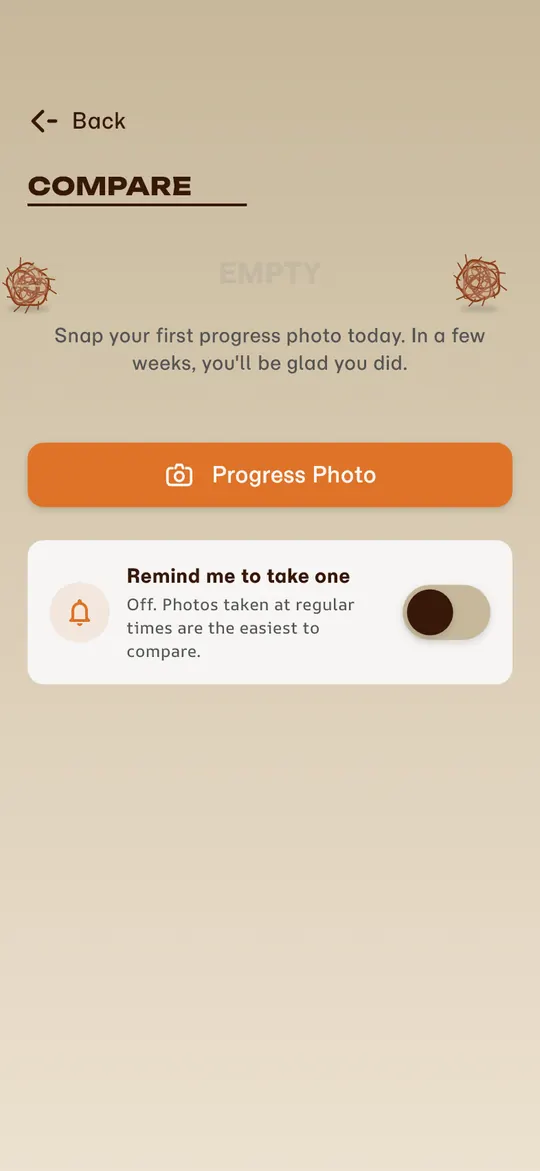
What's on it
- The comparison. Pose pills to pick the pose, Side by side or Slider, and the two photos. Tap a photo to choose another one.
- Progress Photo. Opens Gymaroo's camera.
- The photo strip. Every photo, newest first. Tap one to open it; long-press for its pose or to delete it.
- Make a timelapse, with two photos or more.
- Remind me to take one. A reminder every 1, 2 or 4 weeks.
- Back up my photos PRO. A private copy, restored on a new phone.
Gymaroo's camera
Full screen, with the ✕, the self-timer (off, 3 s, 10 s), the pose pills, the viewfinder with your last photo of that pose as a faint ghost to line up with, the shutter and the switch between cameras.
The timelapse
The animation of one pose, the speed (slow, normal, fast), and Share timelapse, which makes a GIF to send. Your photos stay on your phone.