


Measurements
Profile › BODY › Weight and body opens Measurements, with your weight as a big card (the latest, when you logged it, the change and the last 3 months), then a tile for each body measurement (body fat, neck, shoulders, chest, arm, forearm, waist, hips, thigh, calf).
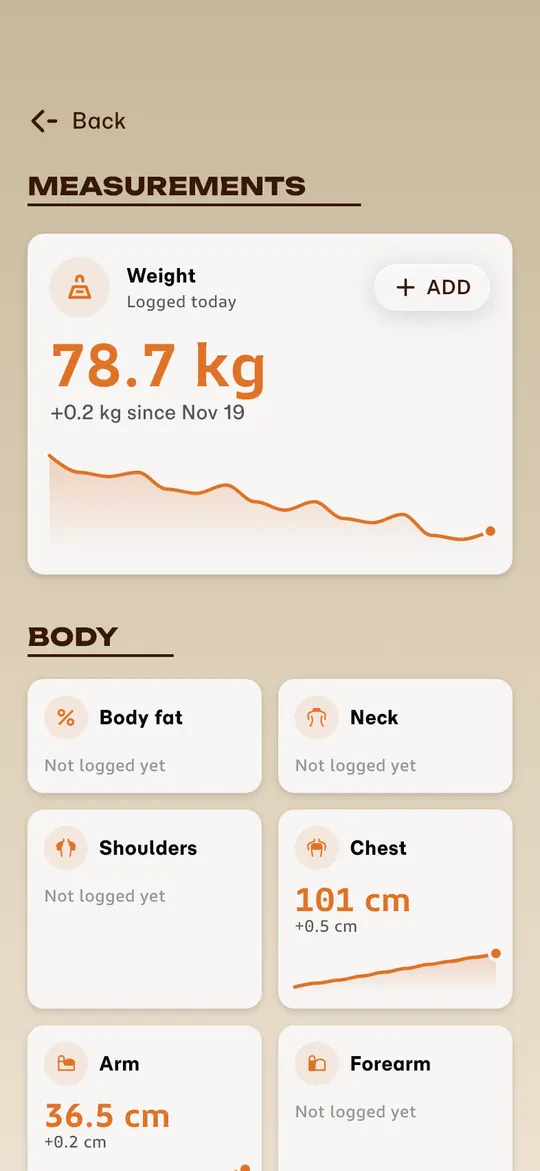
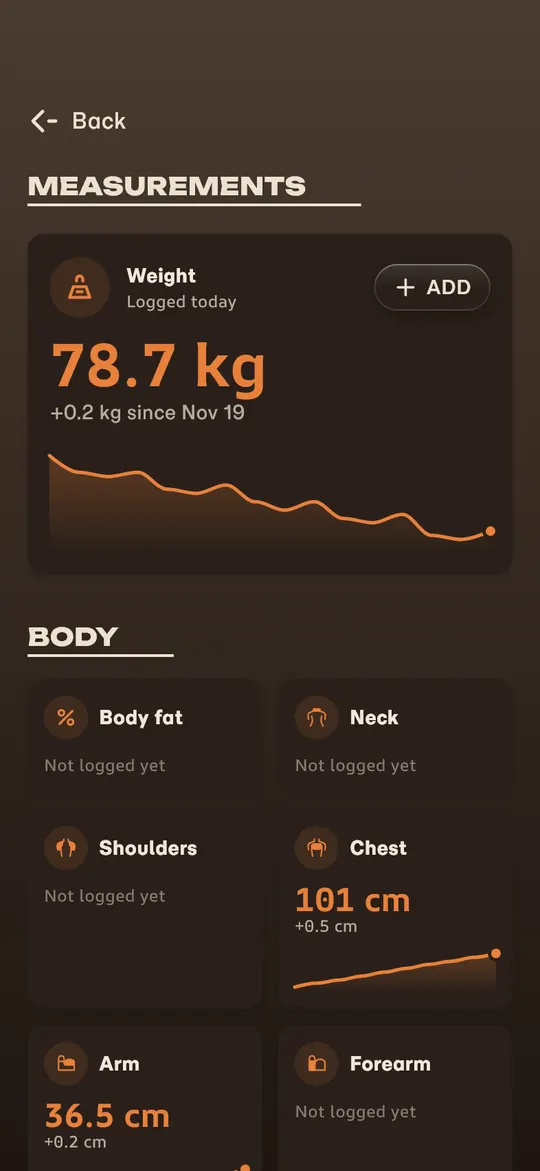
Log one
- Tap ADD on the weight card, or a measurement's tile, then ADD.
- The day is today; ‹ and › change it, or tap it for the calendar. You can log any past day.
- Type the value (where to measure is in the field) and tap Save.
One value per day per measurement. Units follow your weight unit, so kg and cm, or lb and inches.
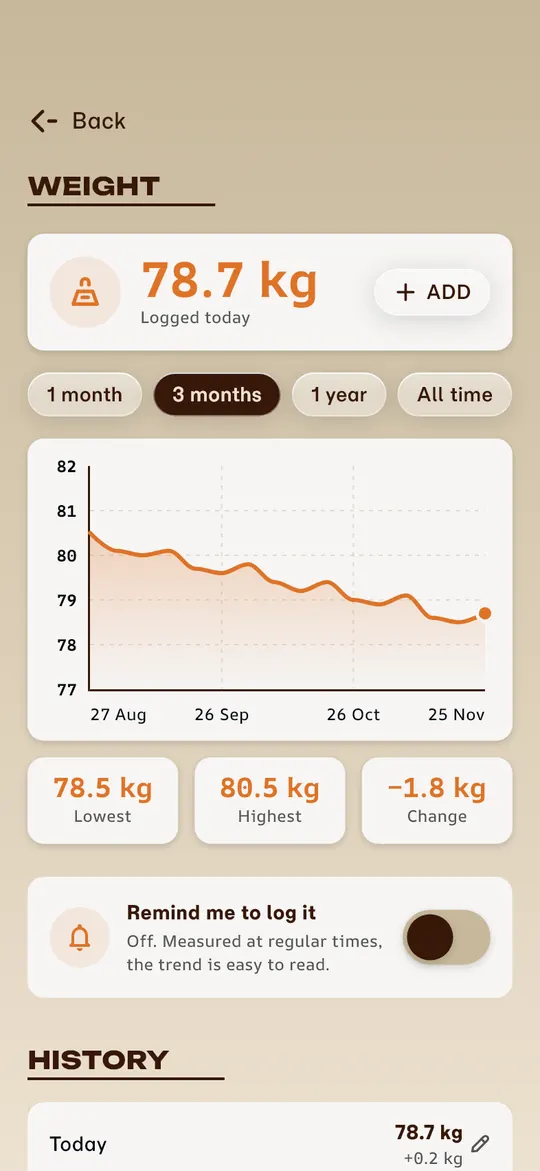
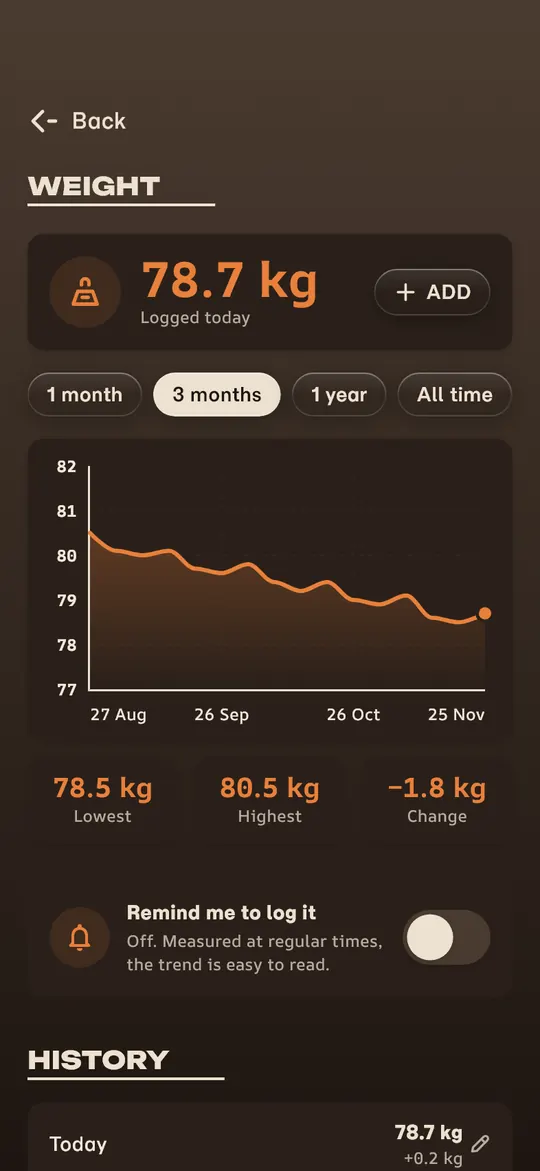
A measurement's page
Its value, period pills (1 month to all time), a chart (touch it for each day's value), the lowest, highest and change, a reminder, and the HISTORY, where a tap on a day changes or removes it.
Changes are never shown as good or bad. A number going up or down isn't either by itself.
Progress photos
Photos of you, over time, are the clearest way to see change. In Gymaroo they're private, kept in the app, not in your phone's gallery, never used for anything else.
- Profile › BODY › Progress photos, then Progress Photo.
- Pick a pose (Front, Side, Back, or your own; Edit poses changes them, up to 5).
- Line up with the faint ghost of your last photo in that pose, and take it. The timer button gives you 3 or 10 seconds.
You can also add a photo from your gallery and say which day it was taken.
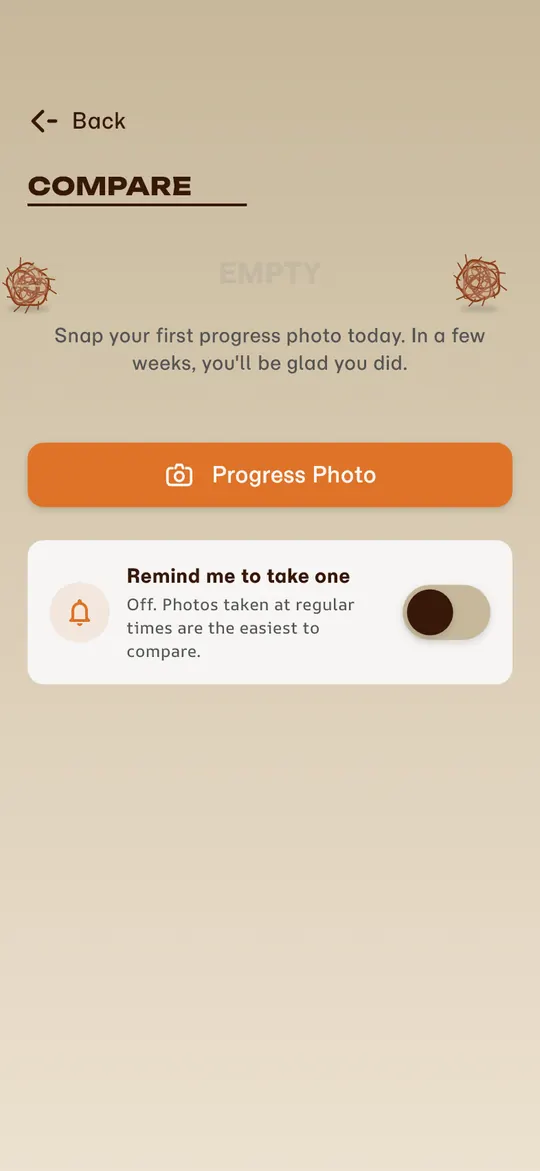
Compare and make a timelapse
- Side by side or Slider compare two photos of a pose. Pick the pose with the pills above.
- Make a timelapse (with two photos or more). Your photos of a pose as a short animation. Pick the speed, then Share timelapse makes it into a GIF. Only what you share leaves your phone.
Reminders and backup
- Remind me to take one. Every 1, 2 or 4 weeks, on a day and time you pick. A photo taken in between pushes it back.
- Back up my photos PRO. A private copy of your photos, so they come back on a new phone. Without it, photos live only on the phone that took them.