


How to get there. Tap Finish in a workout, or tap a day with a workout on Home's calendar.
What's on it
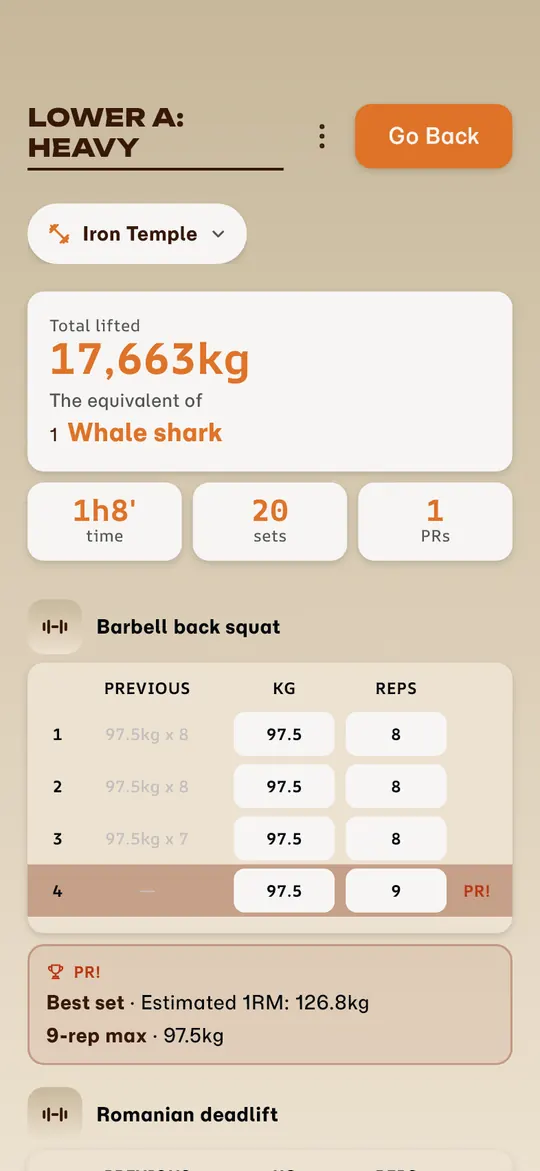
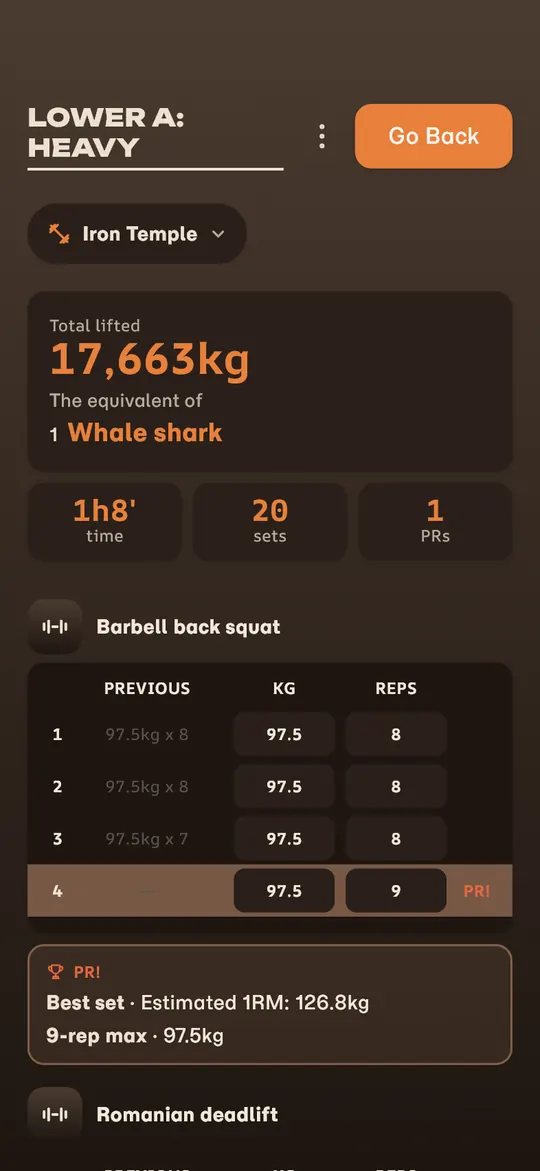
- The workout's name, its ⋮ (Edit, Add workout note, Save as template, Delete) and Go Back.
- The gym chip. Where you trained. Tap it to pick or change the gym.
- Celebrations, after Finish, for a milestone or a badge you just earned, with confetti.
- Total lifted and the creature it equals (tap the share button to share the workout as an image).
- Tiles. How long it took, sets, PRs, and with Pro, targets hit.
- Post to Strava, if Strava is connected.
- Each exercise, as you logged it, read-only, with PREVIOUS (the time before this one), KG, REPS. Record sets say "PR!", and the records are listed under the exercise ("5-rep max · 105 kg").
- The workout's note, if it has one.
After Finish
Now and then, after the summary, Gymaroo may ask something, like a stall alert PRO about a lift that hasn't moved, or whether you're enjoying the app. One at a time, never during a workout.