


The calendar
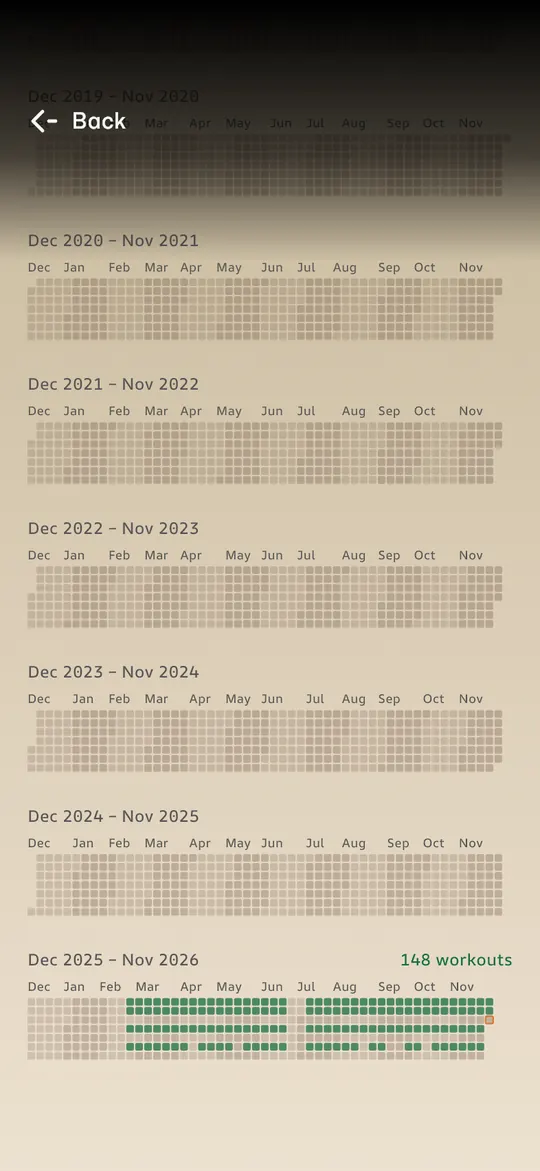
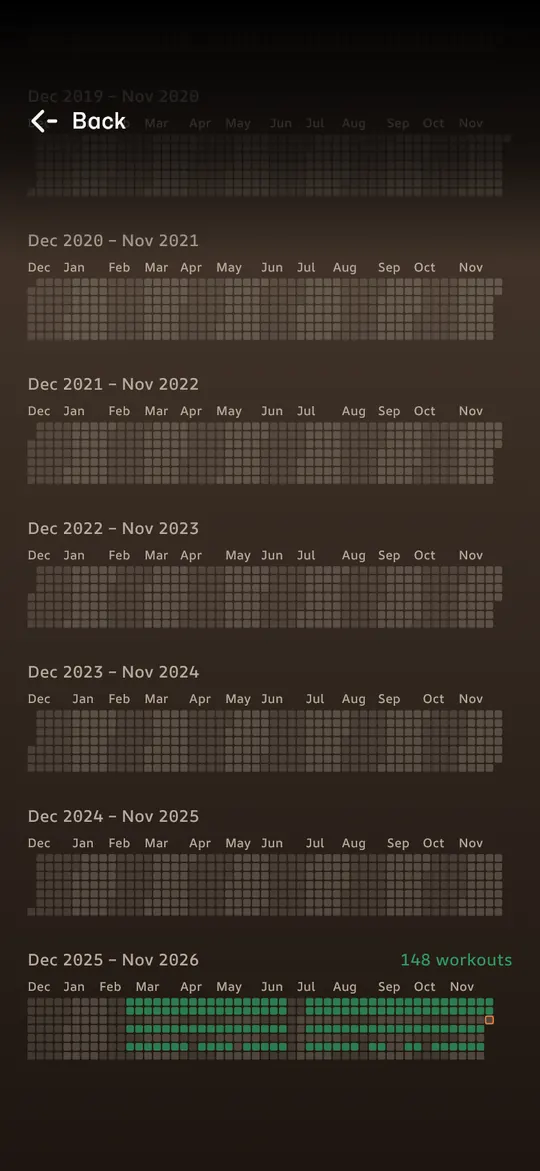
Home's CALENDAR shows a month at a time. A green day had a workout, and today is orange. Above it, a strip of tiny squares shows the last 12 months; tap it for every year since you started.
- Swipe the month, or use the arrows, to go back in time.
- Tap a day with a workout to open its summary (or pick one, if there were several).
- Tap today to start a workout.
A workout's summary
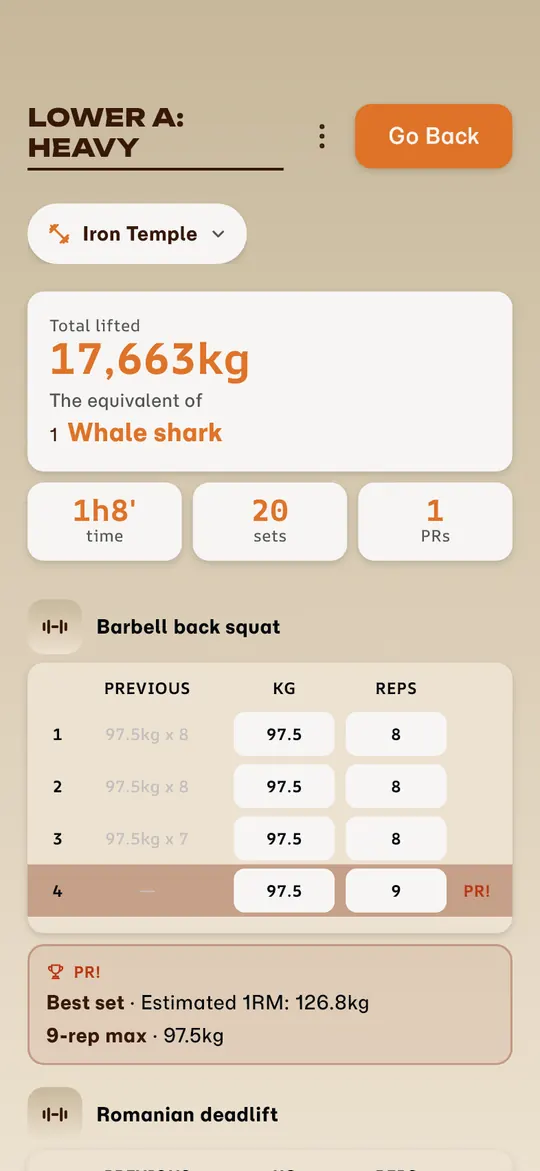
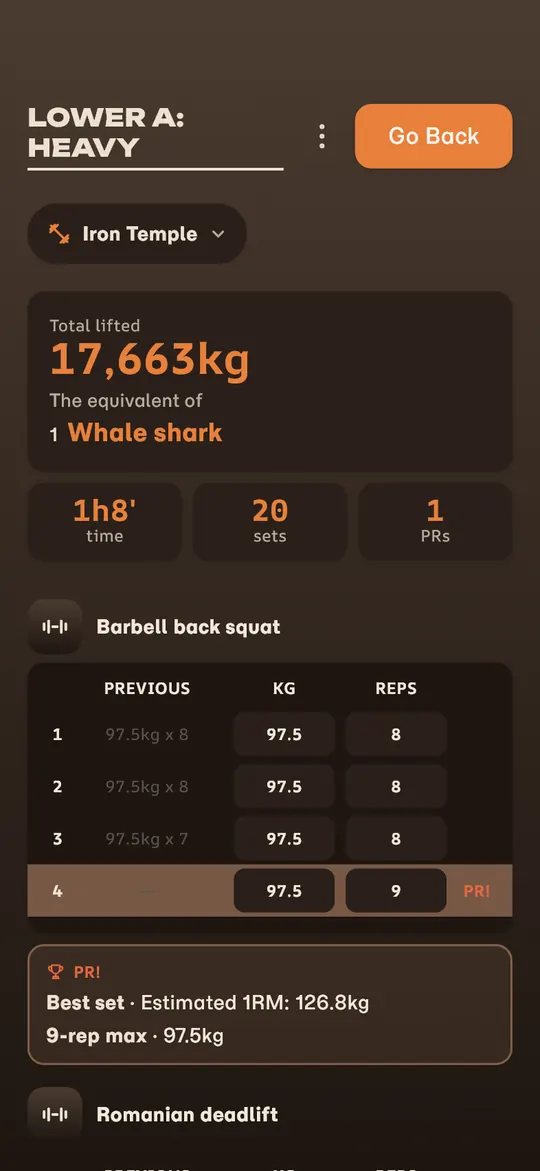
The summary shows the workout's weight lifted (and the creature it equals), its time, sets and PRs, the gym, the note, and every exercise with its sets as you logged them, records marked "PR!". Its ⋮ has four options.
- Edit to change the sets, add or remove exercises, then Save. Records, charts and totals follow.
- Add workout note for a note on the whole workout.
- Save as template to keep it as a saved workout.
- Delete, after asking.
The gym chip under the title sets where you trained. If you've connected Strava, Post to Strava posts it there.
Forgot to log a workout?
Tap an empty day in the last week on the calendar. Gymaroo asks if you forgot to log it, and Log a lazy workout adds a lazy workout on that day. It counts for your calendar, your streak and a fixed amount of weight lifted, but has no sets or weights (nobody remembers those days later). Older days can't take one.
How far back you can see
Free accounts see the last 3 months on the calendar, the summaries and the charts. Older workouts are kept, only hidden, and all come back with Pro.