


How to get there. Tap Exercises in the tab bar. The same picker opens from ADD EXERCISE in a workout or an editor, where tapping an exercise adds it.
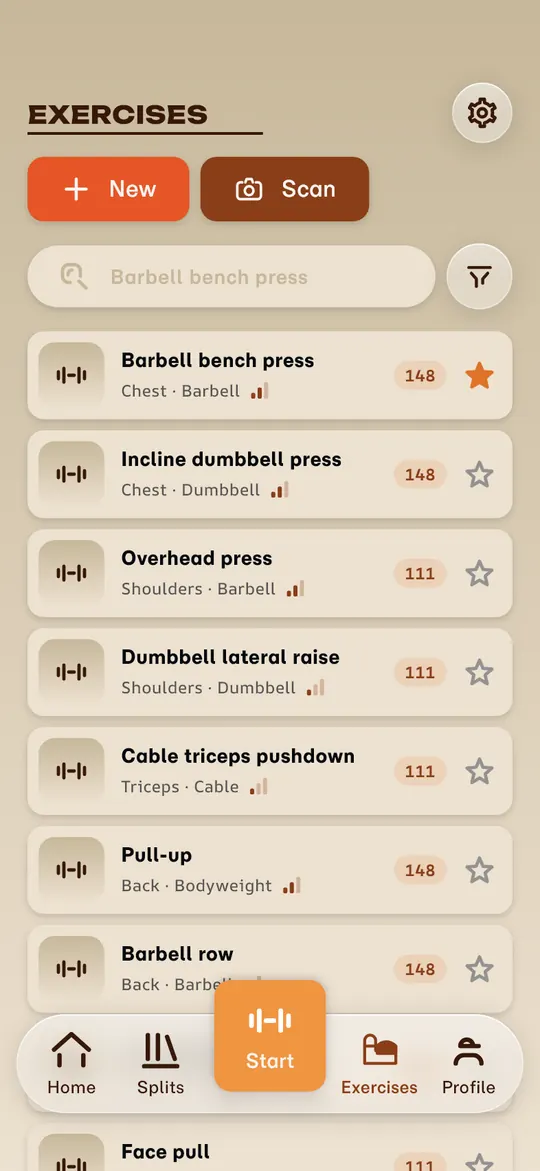
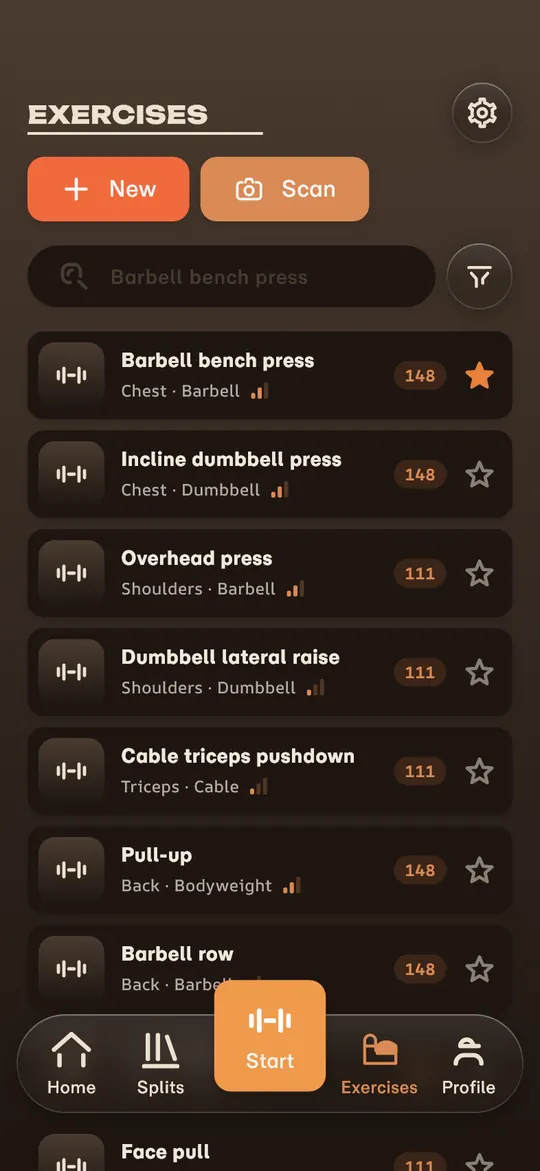
What's on it
- New. Make your own exercise. See Make your own exercise.
- Scan. Take a photo of a machine and Gymaroo tells you what it is.
- The search box. Names and other names an exercise goes by. The ✕ clears it.
- Filters (the round button beside it). Only my exercises, the muscle (a group, or one of its parts), the equipment, the level and the movement type. Any number at once; they apply as you pick. The ones on show as pills under the search; tap one to remove it.
- The list. Each exercise with its picture, name, muscle group and equipment, and its level as bars (tap them for what they mean). For one you've done, the number of sets you've logged. The star makes it a favourite.
With a muscle filtered, the exercises that work it most come first, labelled Main muscle or Secondary muscle.
Tap an exercise (in the library) to open its page.