


Reminders to train
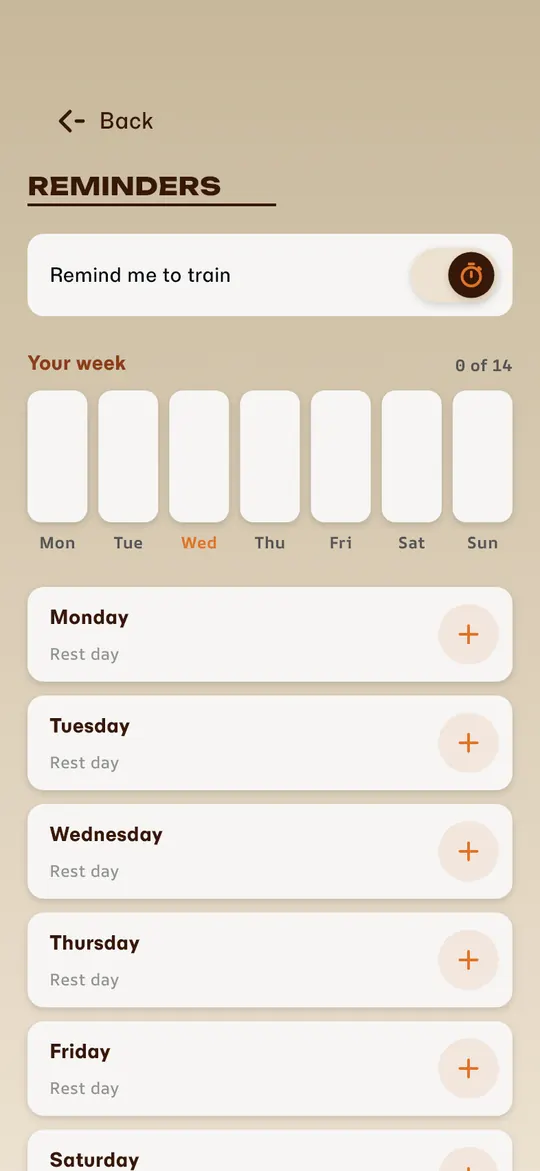
Settings › Training › Reminders.
- Tap Add reminder (or the + on a day).
- Pick a time, then the days (any number, or Weekdays or Every day).
- Tap Add.
You can have up to 14 a week. Each one sends a notification at that time, every week, in Gymaroo's voice. Tap a time to change or remove it; Remind me to train pauses them all without losing them. The first one asks your phone for permission to send notifications.
Progress photo and measurement reminders
- Progress photos. On the Progress photos screen, Remind me to take one. Every 1, 2 or 4 weeks, on a day and time you pick, counted from your last photo.
- Each measurement. On its page, a reminder that works the same way, counted from its last value.
Streak reminders
When your week is about to end without a workout, Gymaroo reminds you that your streak is at stake, and that Vacation mode is there if you're away.