


A saved workout is a single workout you can start any time, like your arm day, a quick full-body for busy days, a hotel-gym routine. It isn't part of a split, so starting it doesn't move your split along.
Where they are
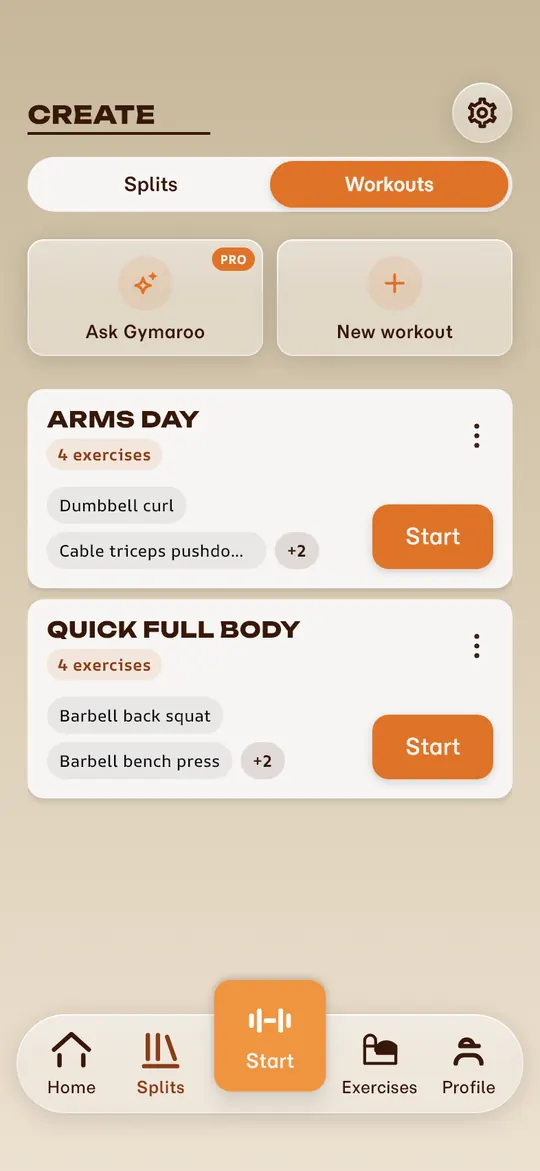
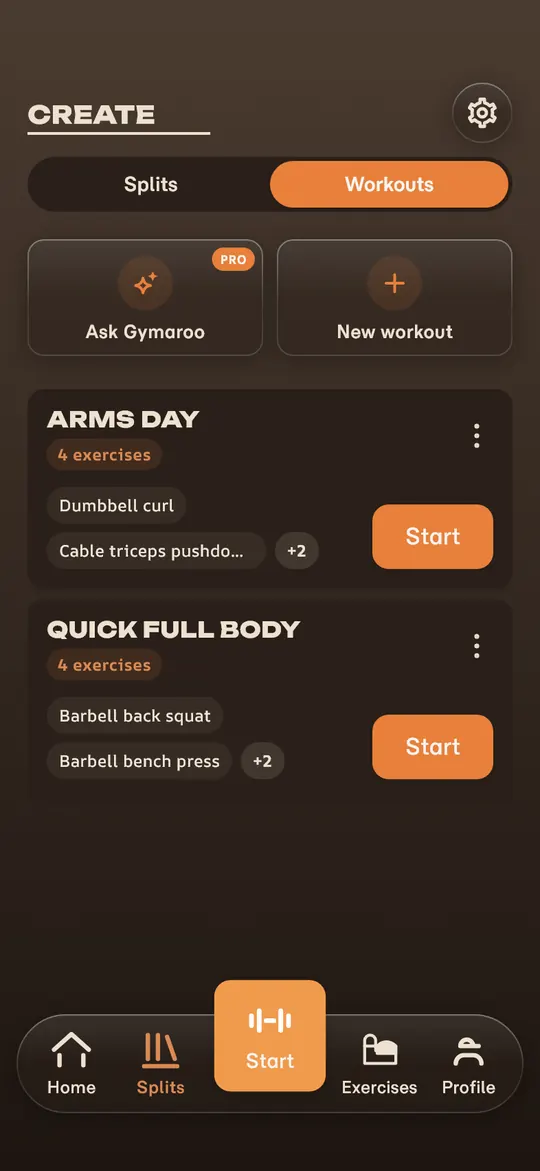
Splits › Workouts. Each card shows the name, how many exercises it has, the exercises themselves, and a Start button.
Make one
There are three ways.
- From scratch. Tap New workout. It opens in the workout editor; add exercises and sets, then Save.
- From a workout you just did. On its summary, tap ⋮ › Save as template. Every ticked set becomes a planned set.
- Built by Gymaroo PRO. Tap Ask Gymaroo on the same tab, say what you want ("45 minutes, dumbbells, shoulders") and Gymaroo builds it. See Ask Gymaroo.
Use one
- Tap Start on its card to start it. If another workout is in progress, finish or cancel that one first.
- Tap the card to edit it in the workout editor.
- Its ⋮ has Ask Gymaroo to change it PRO and Delete. Deleting it keeps the workouts you've done with it in your history.