


How to get there. Tap an exercise anywhere, in the library, a workout, a split, your stats.
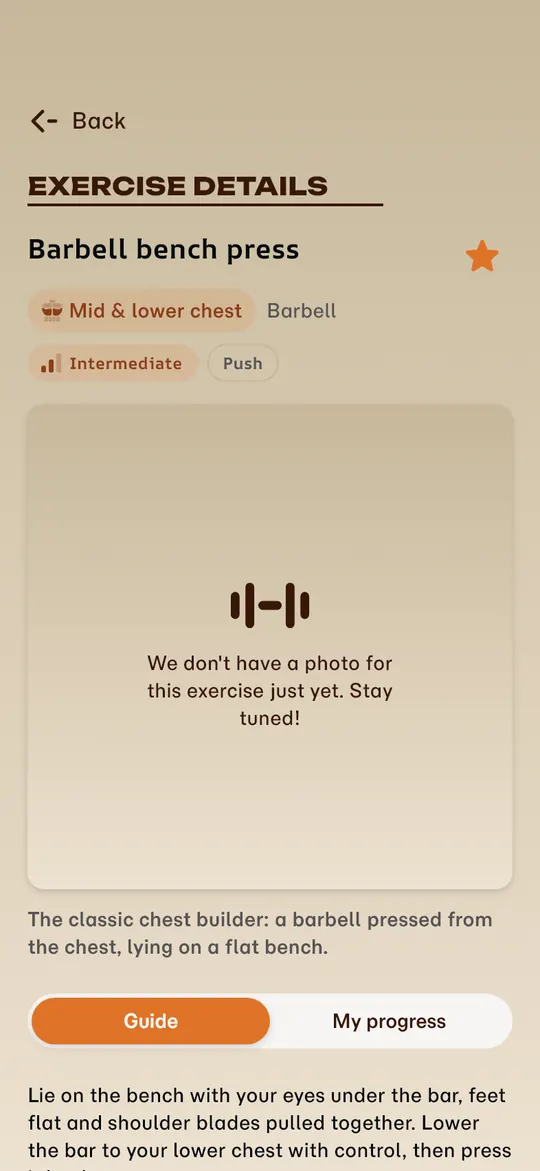
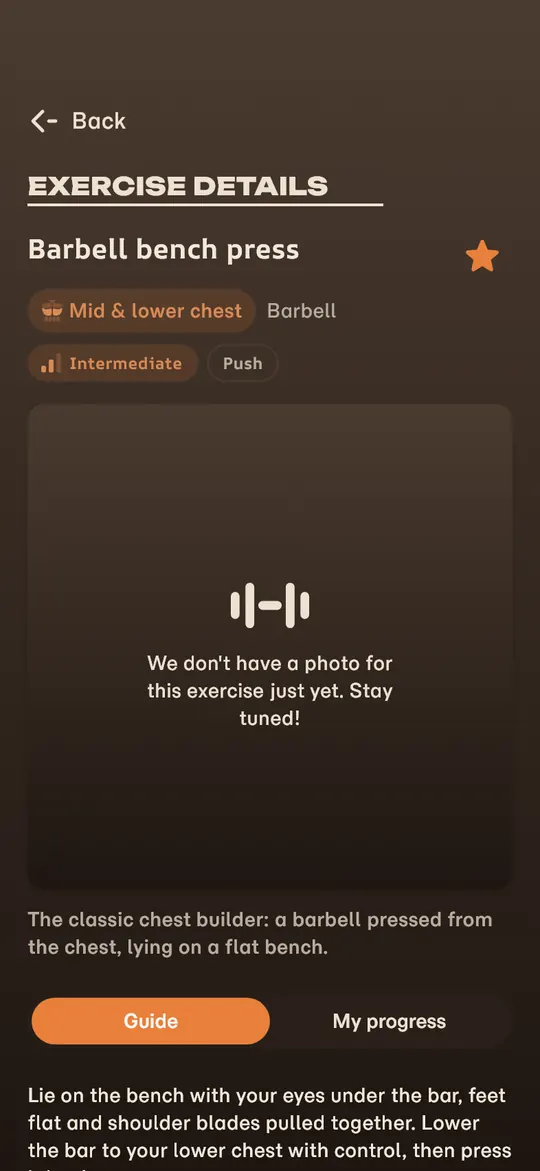
At the top
- The name, and the star to make it a favourite.
- The main muscle (tap it to open the Muscle Explorer) and the equipment.
- Its level (Beginner, Intermediate or Advanced; tap for what it means) and its movement types.
- The video, then a line on what the exercise is.
Then two tabs, Guide and My progress.
Guide
- The description.
- Instructions, step by step.
- Common mistakes, and why to do it.
- What you need, if more than the main equipment.
- Also works. The other muscles, each opening the Muscle Explorer.
My progress
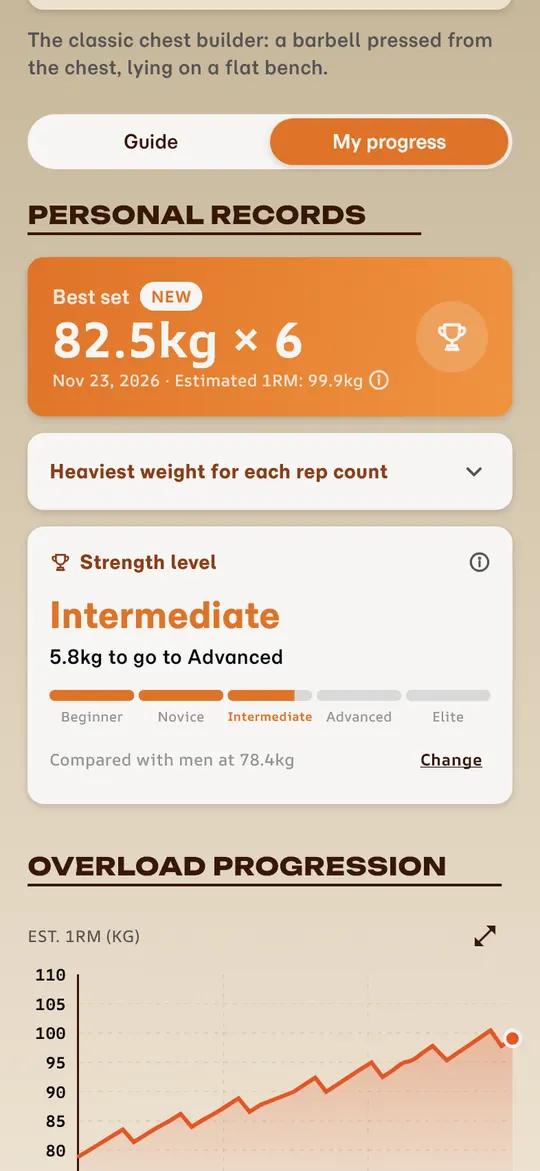
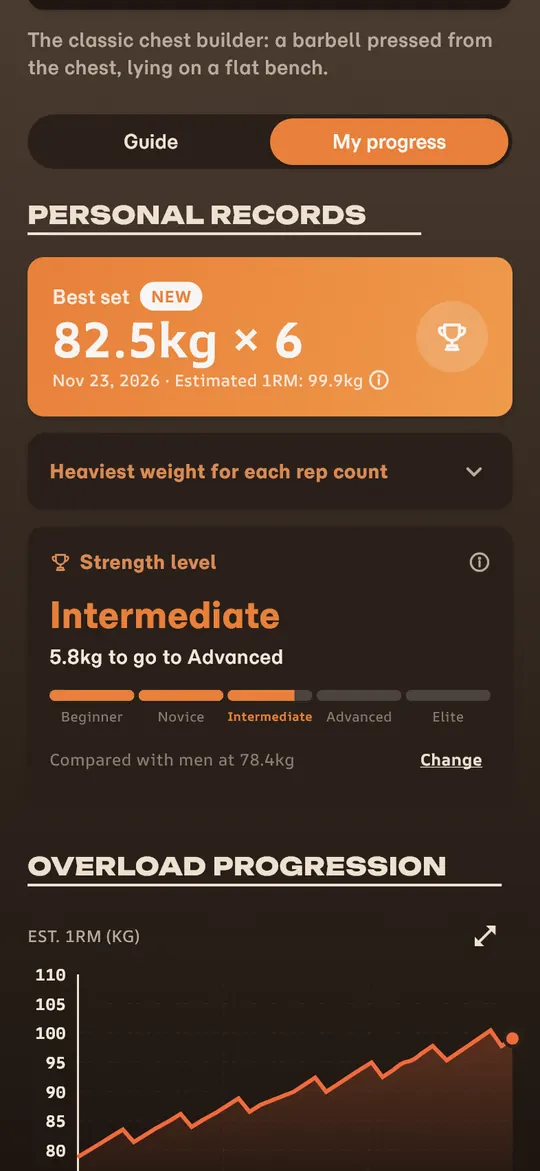
- Personal records. The best set, then the heaviest weight for each rep count.
- Strength level, for exercises that have levels.
- OVERLOAD PROGRESSION. Your estimated 1RM over time.
- MY NOTES. A note that shows in every workout.
- MACHINE WEIGHT (machines) and BOTH SIDES (weights logged per side).
- REST TIMER. This exercise's own rest, or Use my usual rest.
On your own exercises, Edit and Merge sit under both tabs.