


How to get there. The gear at the top right of Home, Create, Exercises or Profile.
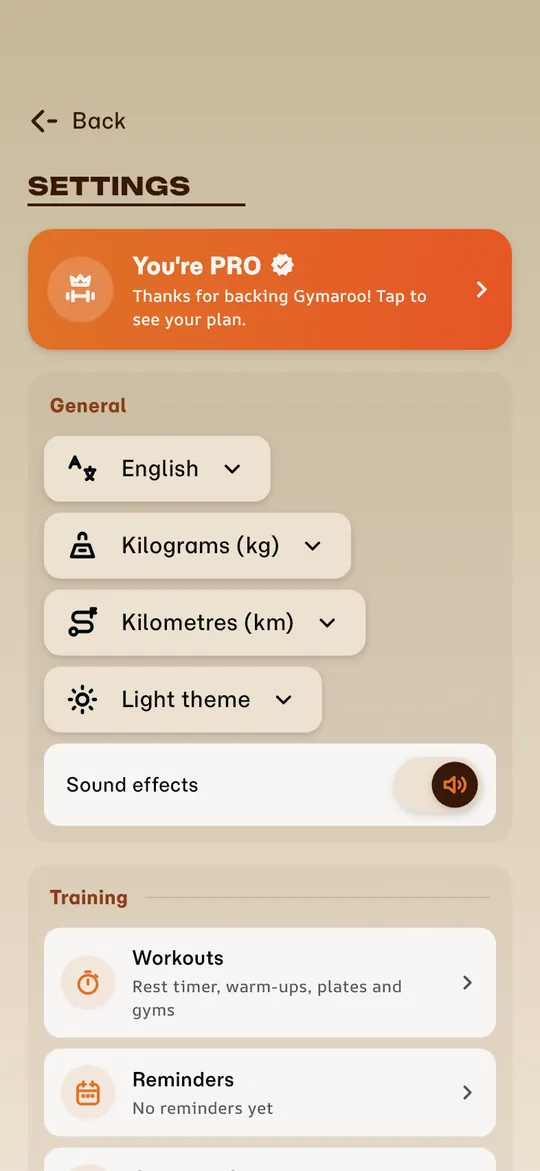
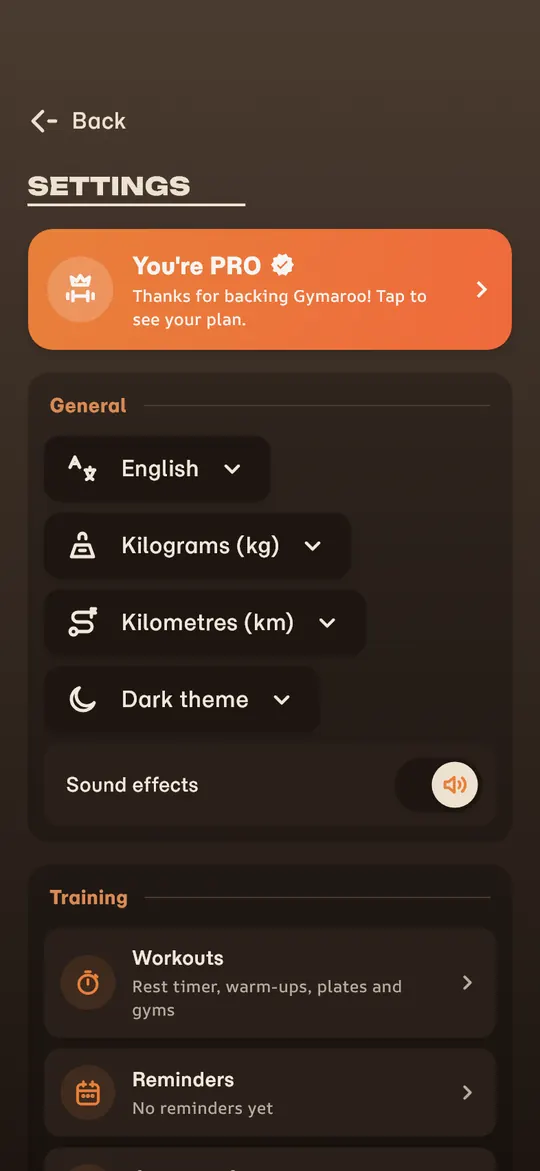
At the top, the Pro card shows your plan, or Gymaroo Pro's plans. Then the groups.
General
Language (one of nine; it follows your phone until you pick one), weight unit (kg or lb), distance unit (km or mi), theme (light, dark or your phone's) and Sound effects.
Training
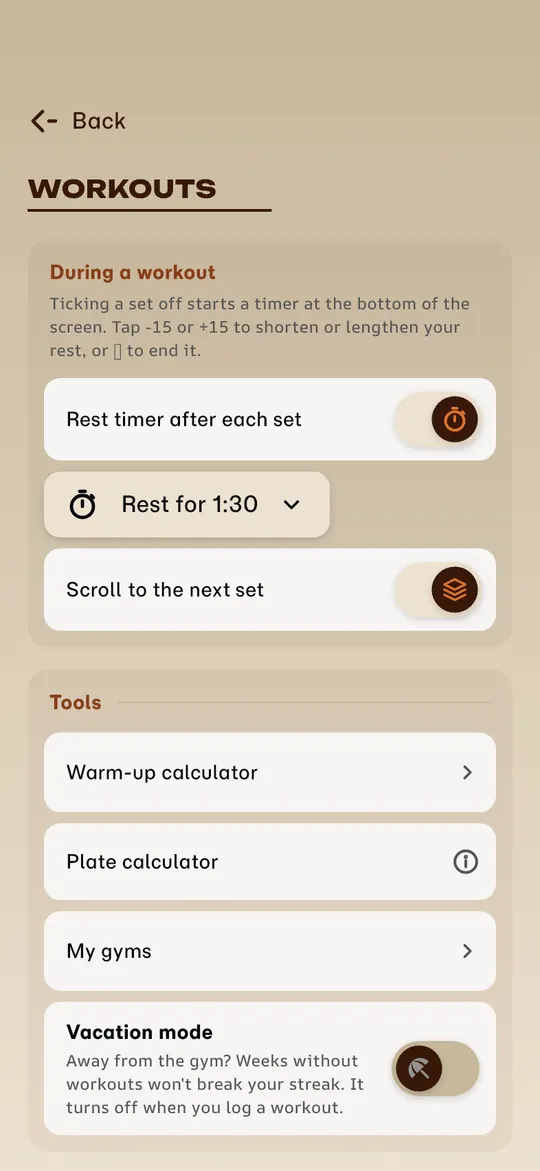
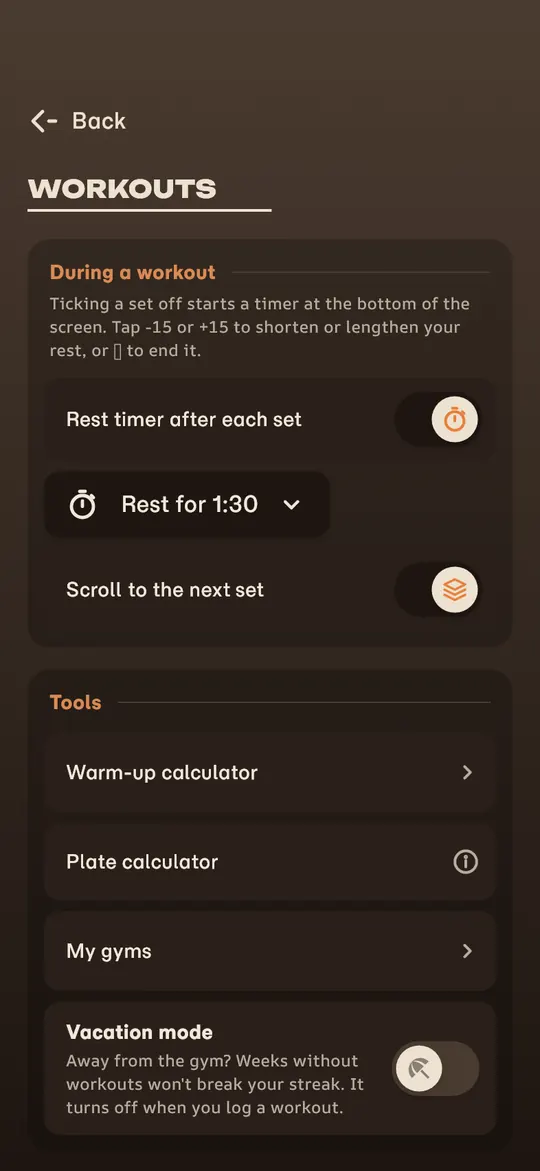
- Workouts. During a workout, Rest timer after each set and its length, and Scroll to the next set; then the tools, Warm-up calculator (the warm-up method, plate and dumbbell rounding), Plate calculator (where to find it), My gyms and Vacation mode.
- Reminders. Your weekly reminders to train. See Reminders.
- Gymaroo Coach. The coach PRO (Rep range, Weight steps, Stall alerts, Auto-fill sets with the coach's targets) and Gymaroo's tips (the tours switch, and Show tips again).
Apps and data
- Apps and services. ChatGPT and Claude (How to connect, Connected apps), Health (Apple Health or Health Connect) and Strava.
- Your data. Import workouts and Export workouts (CSV).
About
Announcements (every message from the team), User guide (this guide, in the app's language), Frequently asked questions, Contact us, A note from the developer, Follow Gymaroo (Instagram, YouTube, Reddit), the terms of use and the privacy policy. Under the groups, the app's version.
Account
Logout and Delete account. Deleting your account asks you to confirm, and then removes your data after a short grace period.