


PRO How to get there. The Ask Gymaroo tile on Splits (a split) or on its Workouts tab (a workout). Free accounts get Gymaroo's explanation and See plans.
The split form
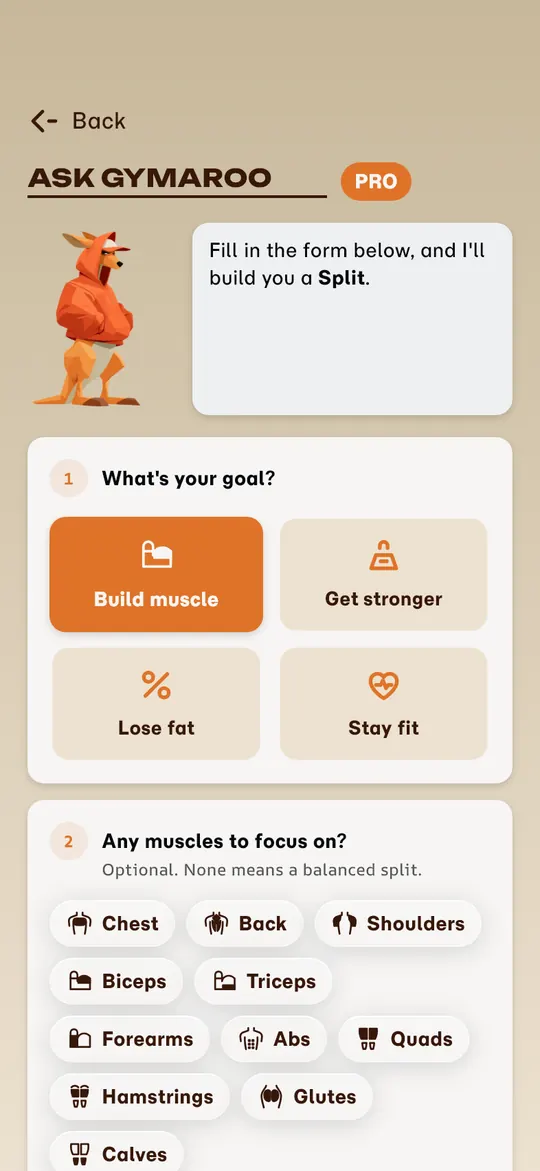
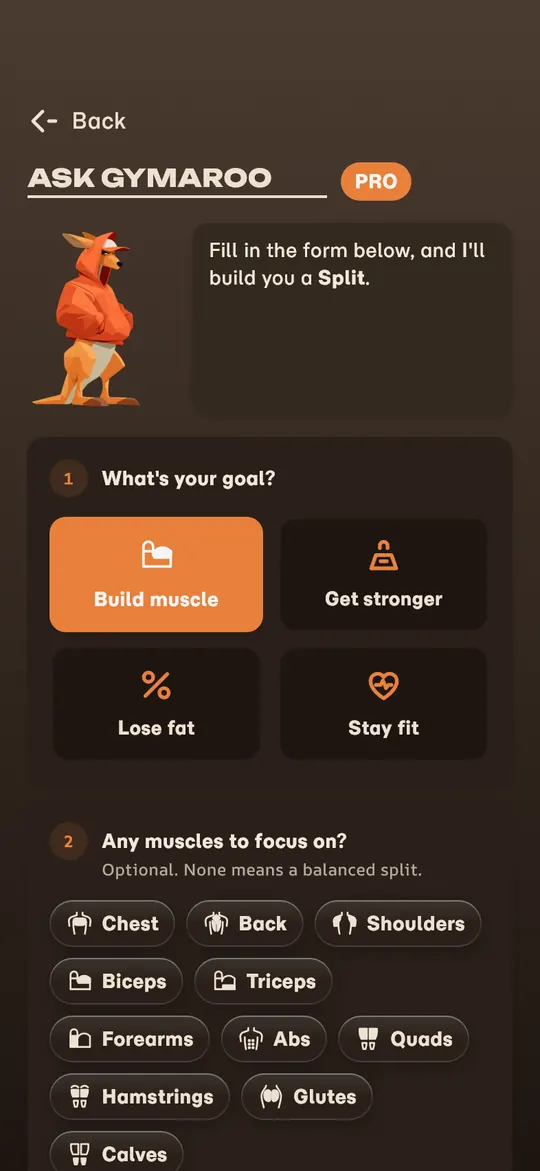
A numbered card per question, for the goal (four tiles), muscles to focus on, days a week (seven circles), minutes per workout, experience (three tiles with level bars), equipment, two switches (add cardio; plan it in 6-week blocks, with how it works) and a name and notes. At the bottom, Here's what I'll build, a dark card that follows your answers, with BUILD MY SPLIT. While Gymaroo works, a checklist ticks along.
The workout form
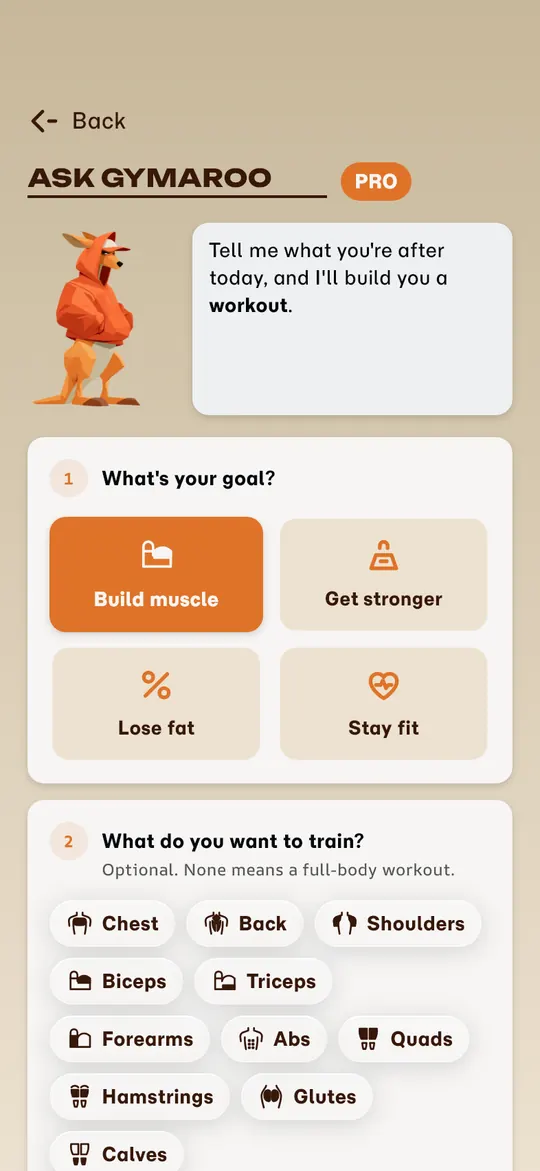
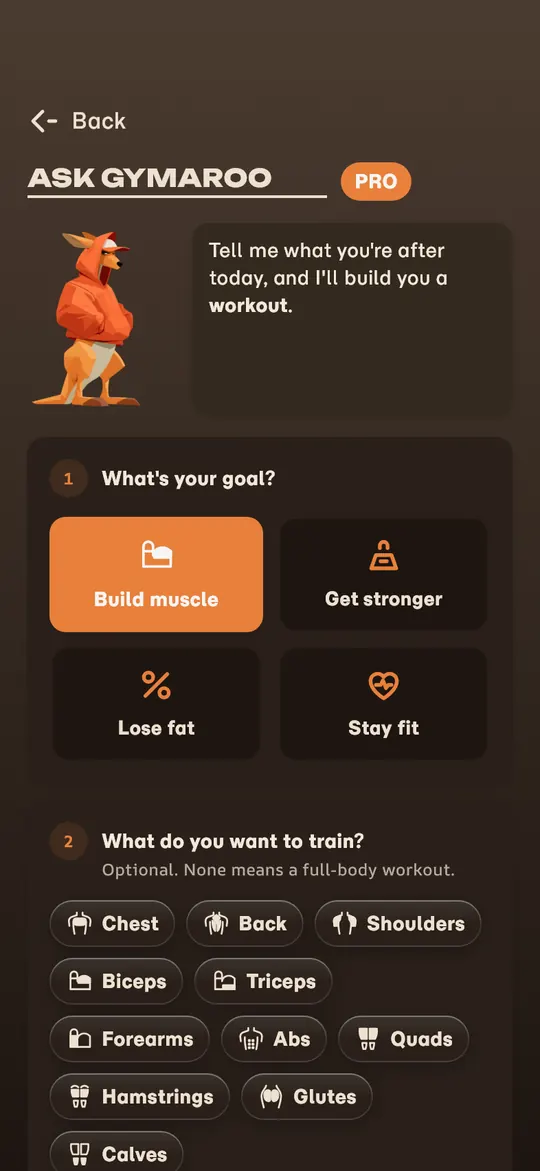
The same, shorter, with the goal, muscles, how long (30, 45, 60 or 90 minutes), experience, equipment, anything else, and BUILD MY WORKOUT. The workout opens in the editor, with START WORKOUT.
The change sheet
How to get there. ⋮ › Ask Gymaroo to change it on one of your splits or saved workouts.
- What should I change?. A text box and suggestions (shorter, no barbells, fewer days, easier, harder), then ASK GYMAROO.
- The preview. Gymaroo's one-line summary, then what changes, workout by workout, added (green +), removed (red −), changed (orange ⇄), new order.
- APPLY CHANGES or Ask again. After applying, Undo in the toast.
See Ask Gymaroo.