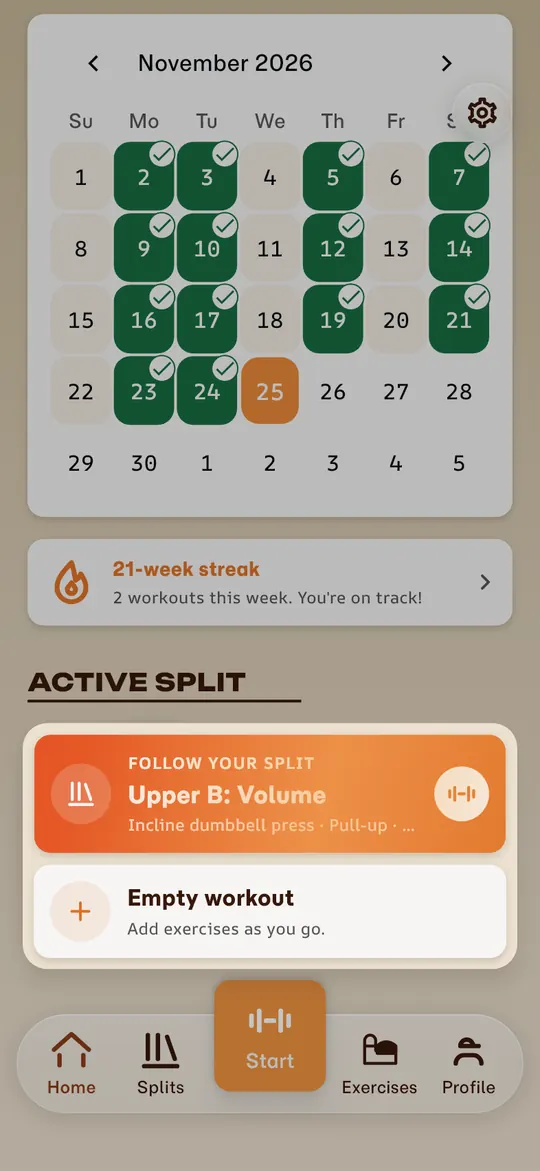
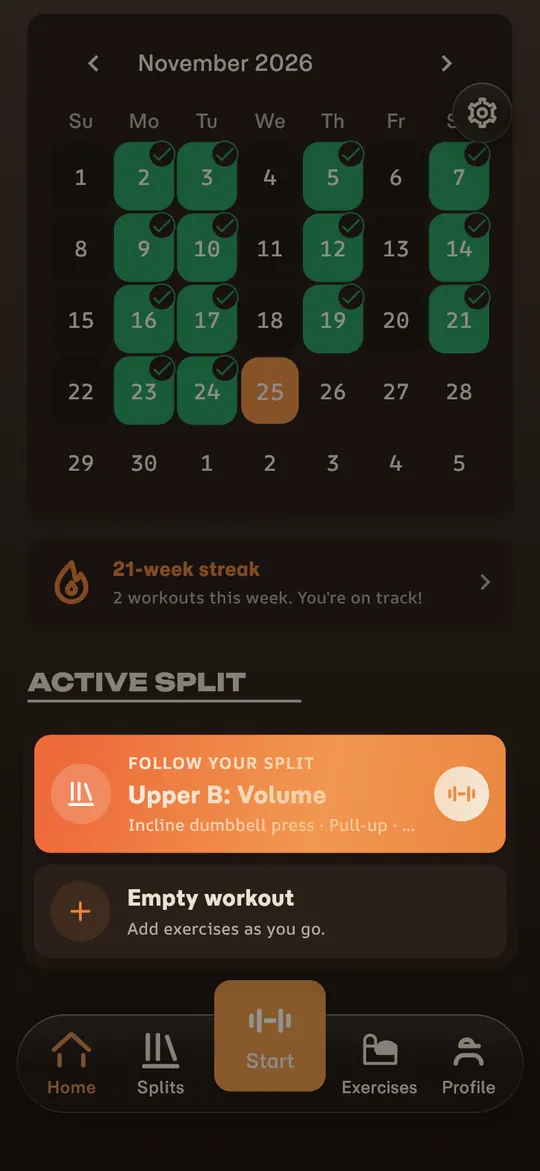
How to get there. Open the app, or tap Home in the tab bar.
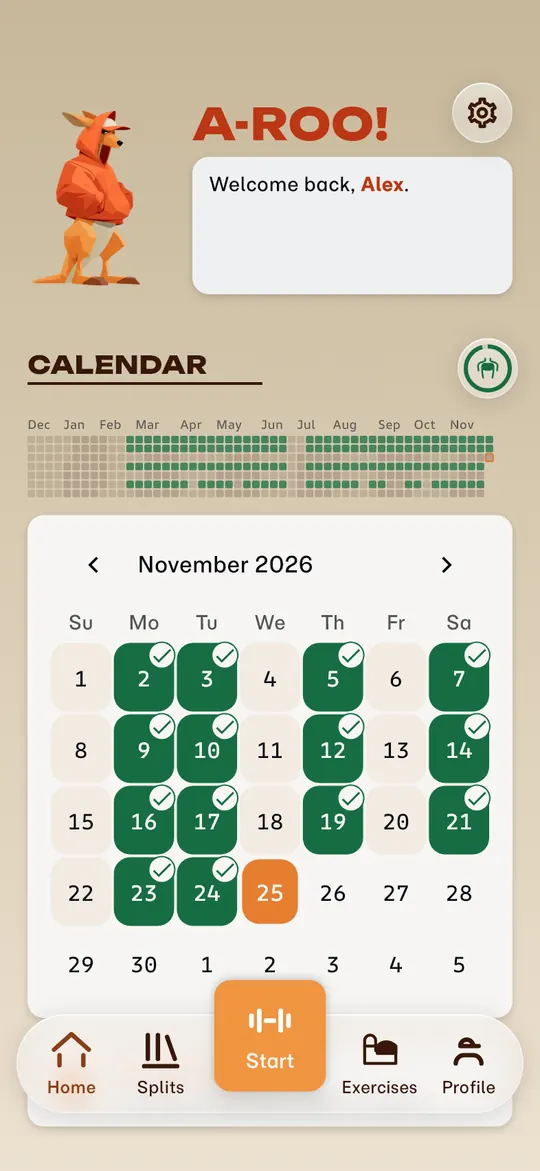
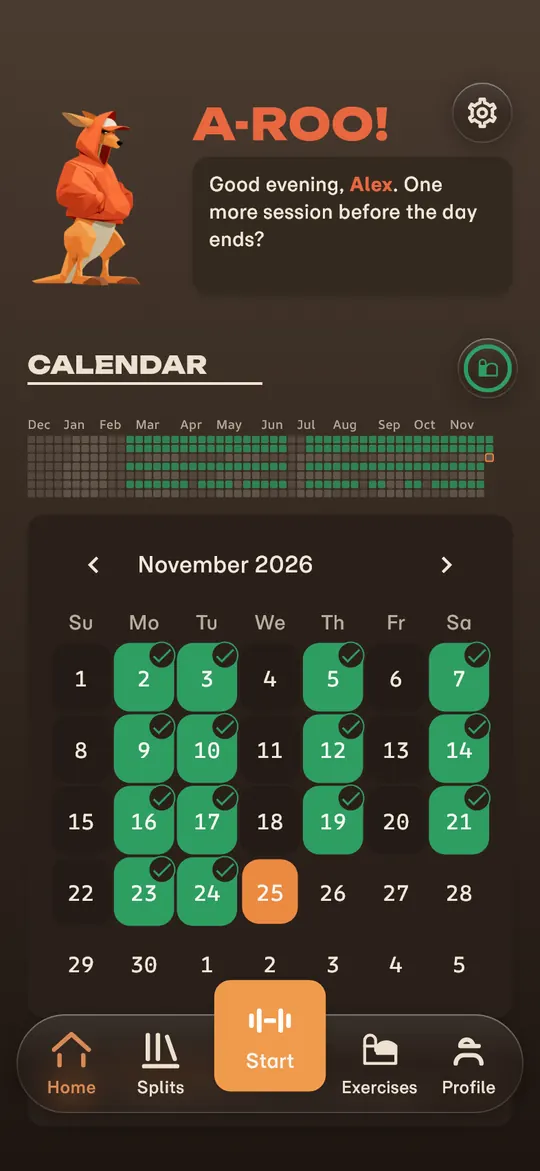
From top to bottom
- Gymaroo's greeting. A line picked for the moment, from the time of day, your streak, a recent record.
- Cards that come and go, only when there's something to show.
- A workout in progress, live, with the time, the next set, a bar of sets done, and Continue. Tap anywhere on it to go back to the workout.
- A workout waiting to be sent, if you finished one without signal, with Send now.
- Your weekly report PRO, on Mondays. Tap to open it; swipe it away to hide it (it stays in Profile).
- A recap when one is ready.
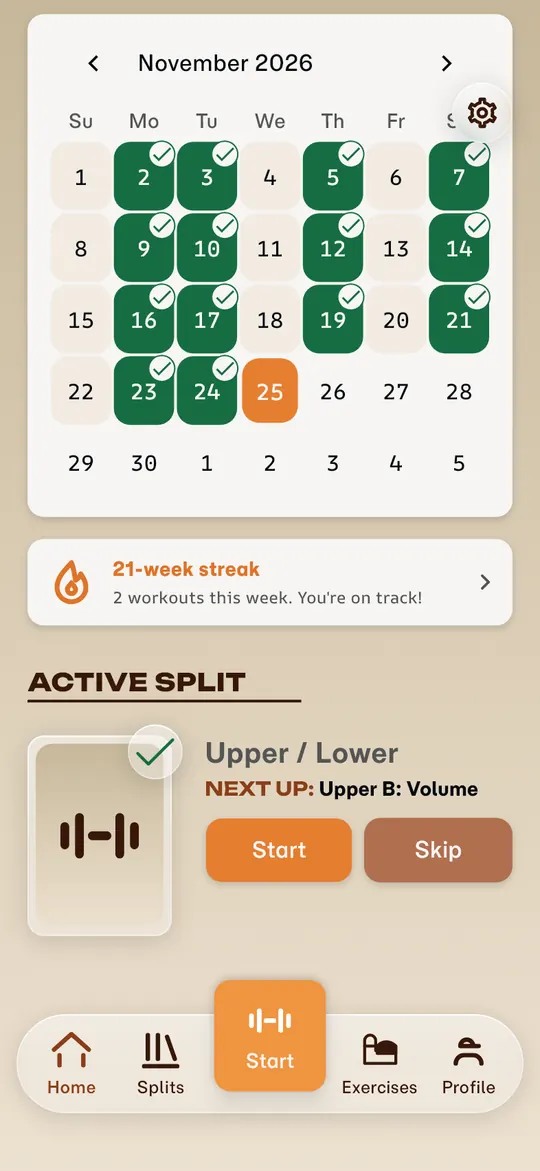
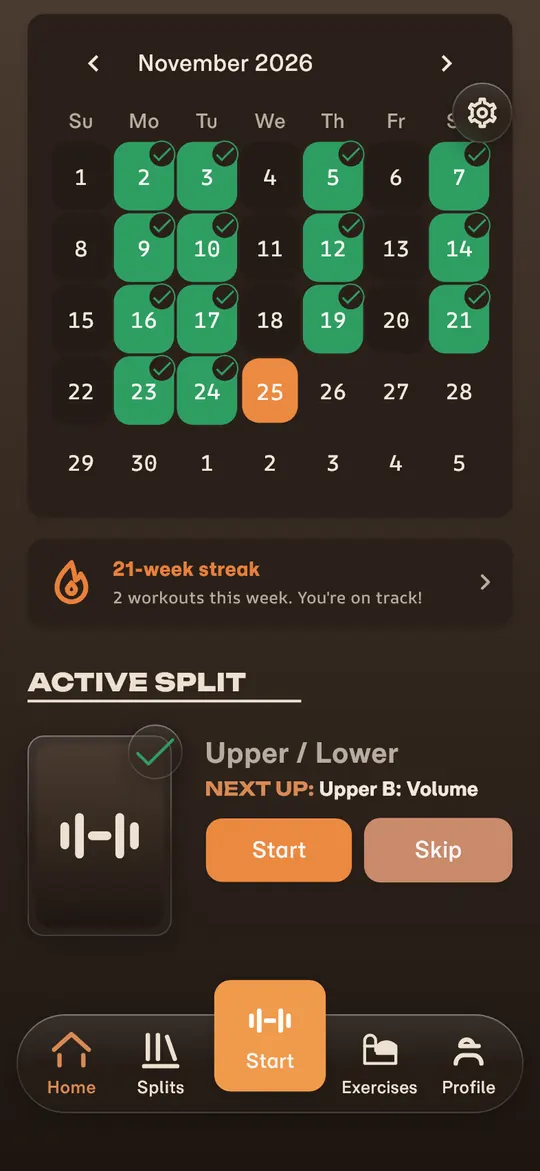
- CALENDAR. The last 12 months as tiny squares (tap for every year), and this month's calendar. Green days had a workout, and today is orange. Tap a day to open its workout, today to start one, or an empty day of the last week to log a forgotten one. The ring beside the title opens Recovery.
- The week streak. How many weeks in a row, and how this week is going. Tap it to open your profile.
- ACTIVE SPLIT, if you follow one, with its cover, the next workout, Start and Skip.
Around it
- The gear at the top right opens Settings.
- The tab bar's Start starts a workout. With an active split, it asks whether to follow it or start empty.