


How to get there. Tap Profile in the tab bar.
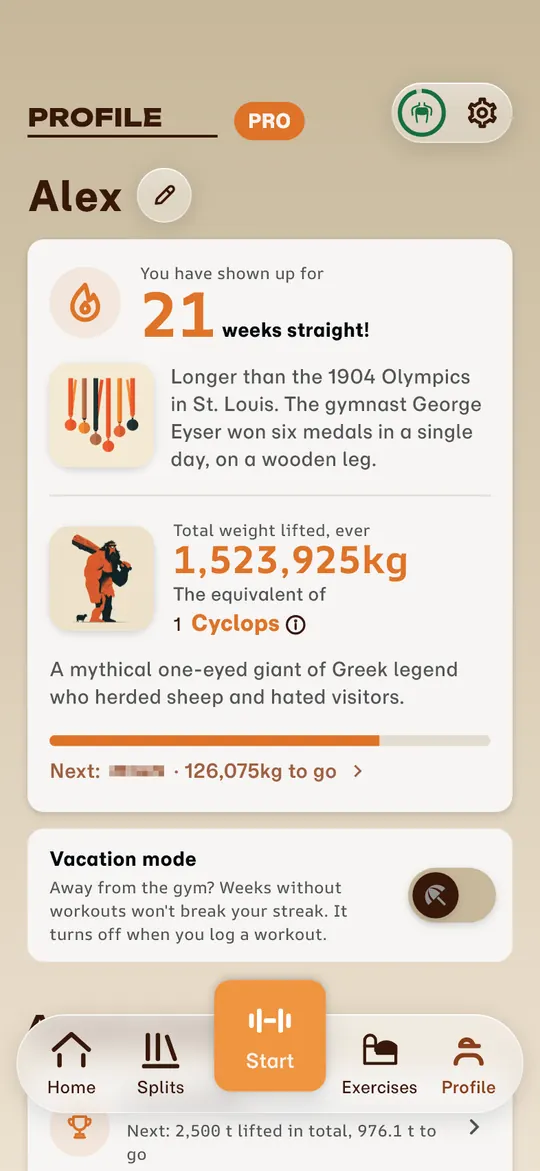
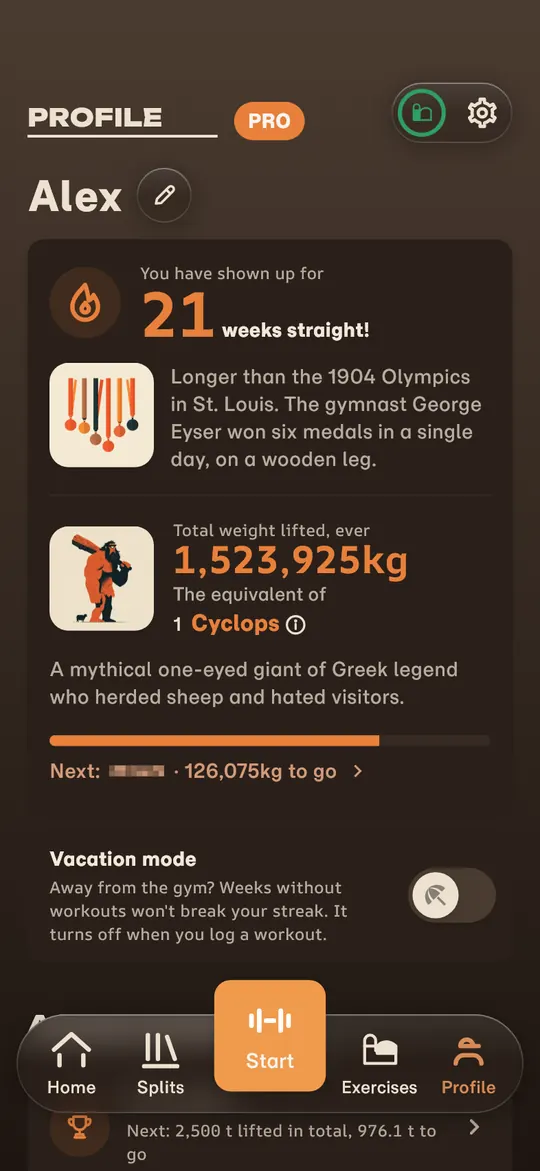
From top to bottom
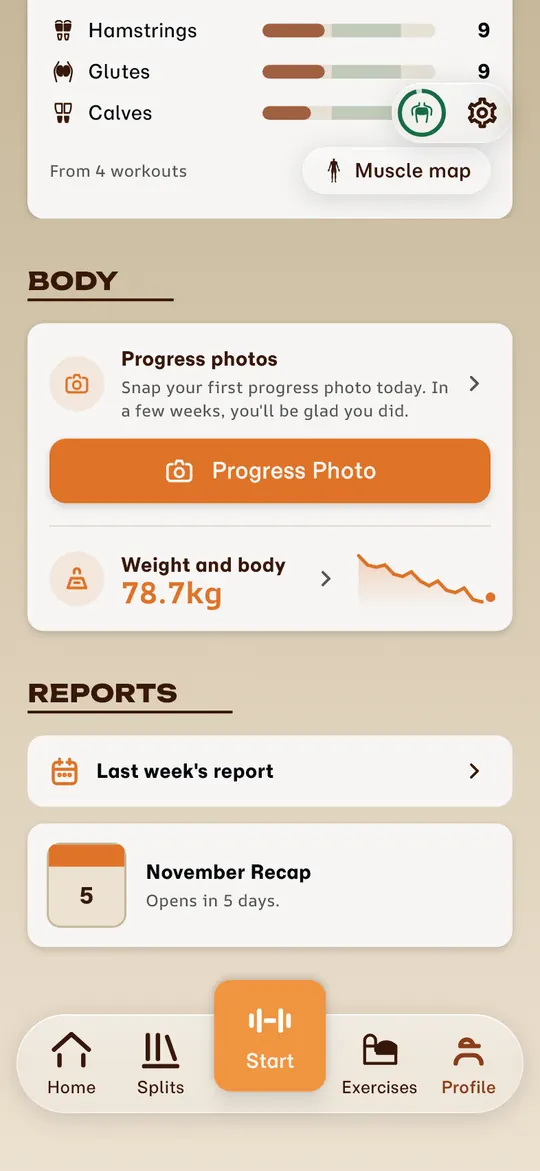
- The title, with a PRO badge for Pro accounts (and Early Roo, for the first buyers). At the top right, Recovery and Settings.
- Your name. Tap the pencil to change it. It's the name friends see on splits you share.
- The streak and the creature, in one card, with weeks in a row, what that has outlasted, everything you've lifted and the creature it equals. Tap the creature line for all of them.
- Vacation mode. So weeks away don't break your streak.
- Achievements. How many you've reached, the next one, the latest three. Tap for the Achievements page.
- STATS, three tabs, Muscles (sets per muscle and the muscle map), Weeks (week-by-week bars) and Exercises (the overload chart for any exercise).
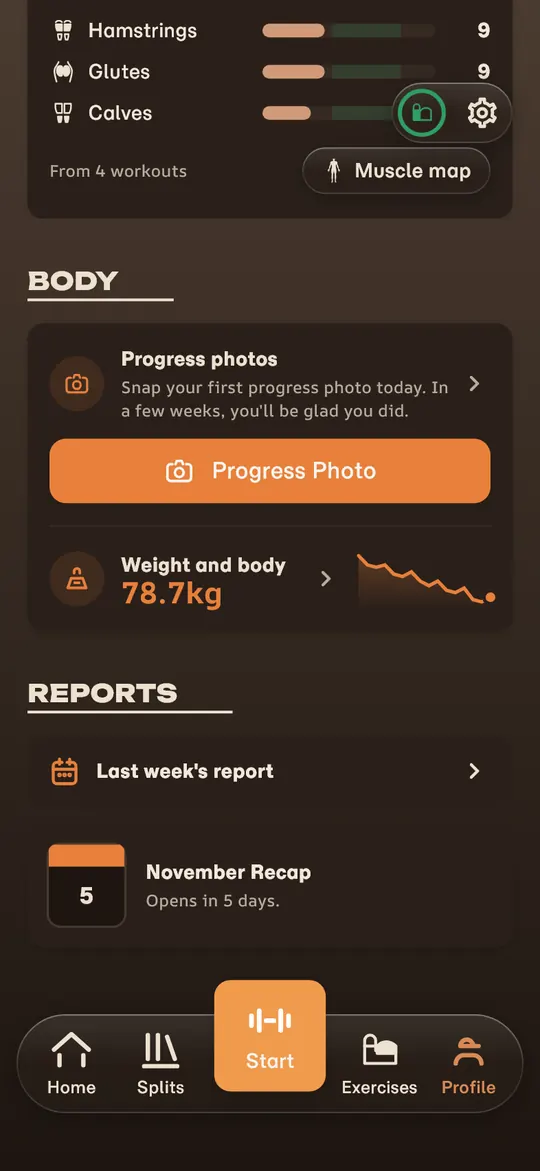
- Body. Your newest progress photos, and your weight with a small chart. Each half opens its page.
- Reports. Last week's report PRO and your recaps.
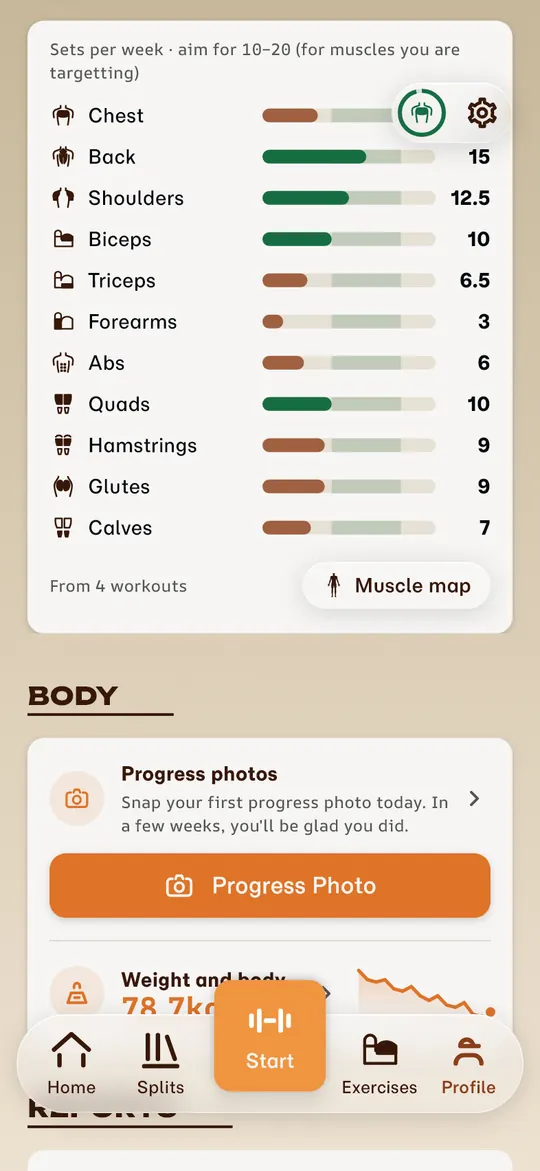
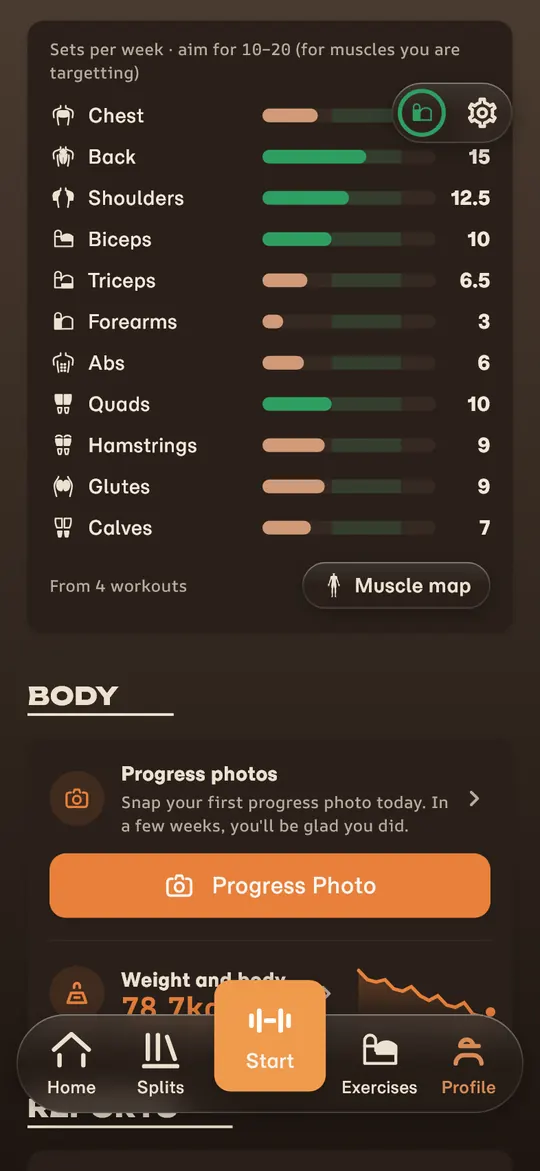
Pull down to refresh everything.