


On Home
How to get there. Home, under CALENDAR.
- The strip. The last 12 months as tiny squares, a column per week. Green squares had a workout (brighter with more than one); today is outlined in orange. Tap it for every year.
- The month. Green days had a workout, orange is today. ‹ and › (or a swipe) change the month.
- Tapping a day depends on the day.
- With one workout, it opens its summary. With several (or today), a list to pick from.
- Today starts a workout (Start a new workout).
- An empty day of the last week logs a forgotten workout (Log a lazy workout).
Every year
How to get there. Tap the strip above the month.
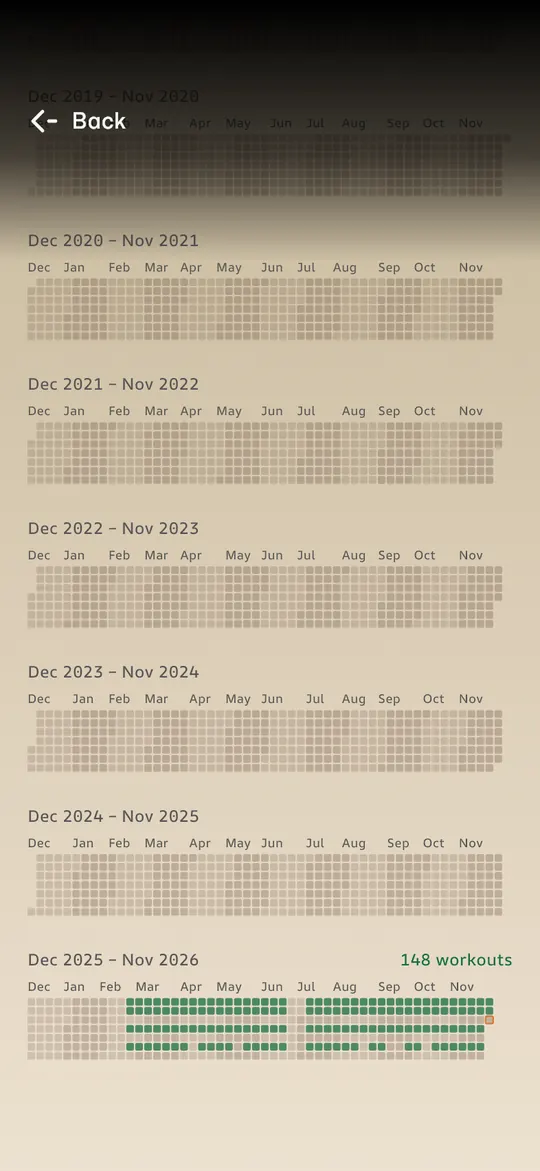
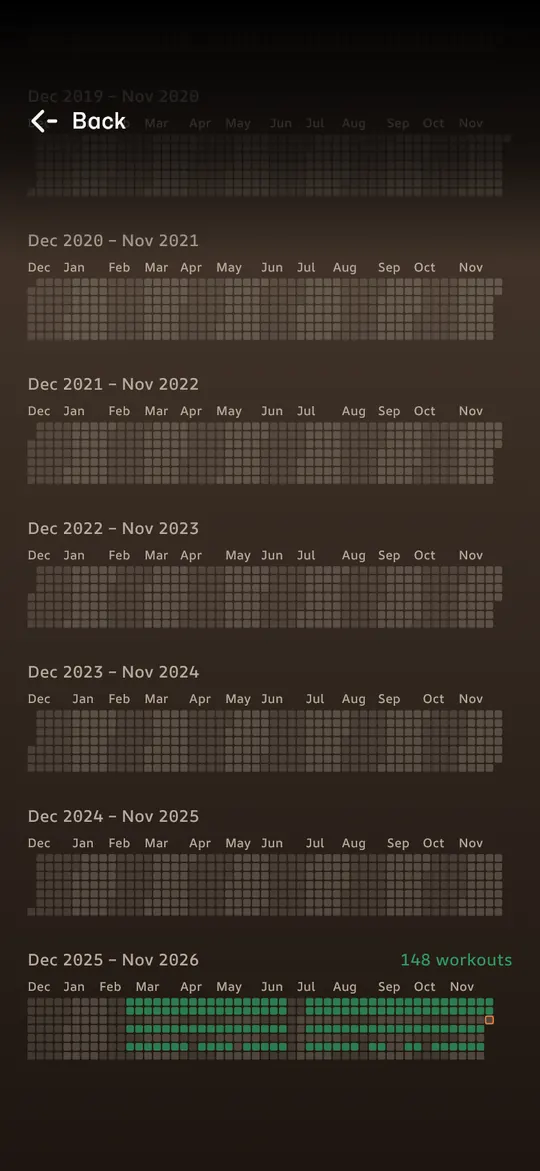
A line per 12 months, the newest at the bottom, each with its dates and how many workouts. Tap a month to open it in the calendar. On a free account, workouts older than 3 months are barely visible, under a padlock.